Trying out the Oculus Rift

I just got back from a trip around the solar system via the Oculus Rift.

I’m no stranger to VR: I bought and read a lot of VR-related books in the early 90s, owned a Nintendo Power Glove (which I connected to my PC for some basic homebrew VR), ran a VR-themed BBS, and my first gaming experience was playing Dactyl Nightmare when a travelling Virtuality exhibit came to my college.

Read more

Home Assistant

Back in February I read about Home Assistant on a TCF thread. At the time, before I knew a lot about it, I thought maybe it could be used to make the setup of my TiVo Control skill for Alexa a little easier. That turned out not to be necessarily true, but I did learn about proxying HTTPS requests through Lambda which was helpful for people who couldn’t host their own HTTPS server at home.

HA is written in Python and has a ton of components to contributed by the user community. The big automation players are here (Amazon Echo, Nest, IFTTT, Hue, etc.) plus a lot of smaller or lesser-known modules (like IKEA’s new TRÅDFRI light bulbs). You can mix and match these components by adding a new section to your configuration.yaml file with the required settings. With device location tracking you can set up automations with a basic trigger/condition/action setup.

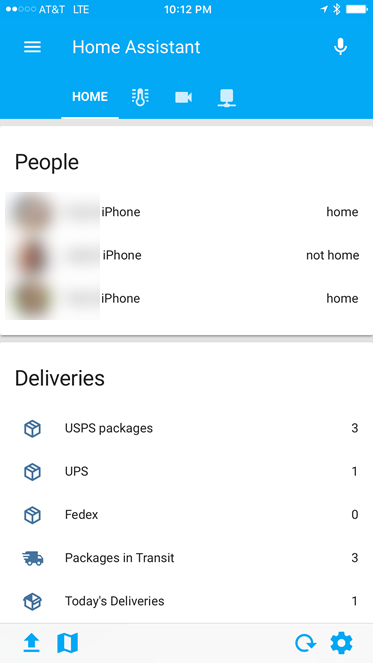
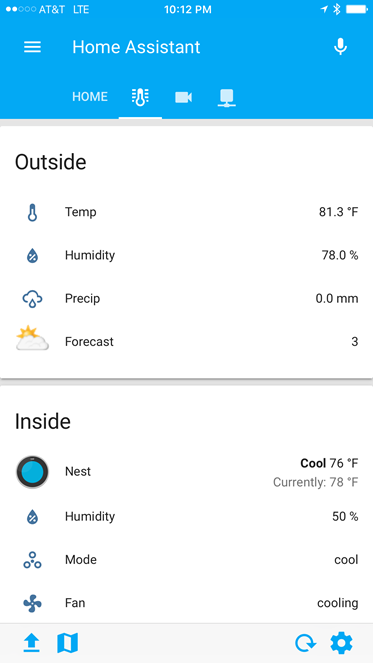
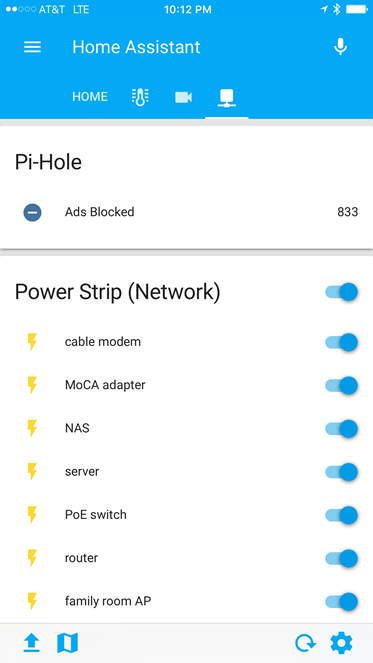
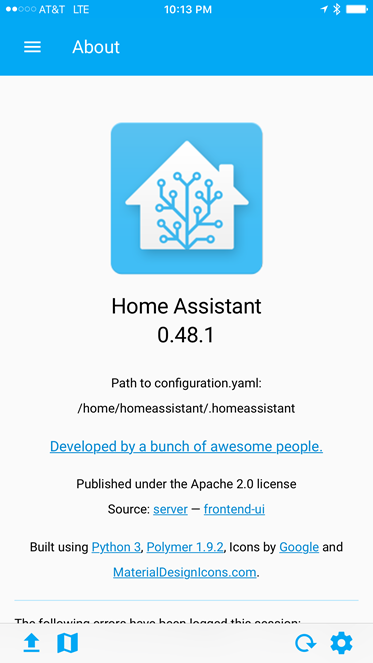
Since most of my home automation is done via Z-Wave devices tied to my ADT Pulse system (which finally has some basic Amazon Echo support of its own), I haven’t played around with HA’s powerful features automation, control, and push notification features. For now, I’m using the iOS app to connect to my HA install. From there I can see the status of my Nest thermostat, view my Dropcam and TRENDnet cameras, and even control my web power switches from a single application dashboard.


My first Piwigo plugin

I switched from Gallery to Piwigo back in 2015 for my photos website software. Since then, one thing that has always bugged me is how Piwigo handles “physical” albums. The “normal” Piwigo user just uploads photos through the web interface, which puts all of the photos into a “/upload/year/month/day/randomfilename.jpg” folder structure. You can then link the photos into one or many “virtual” albums. While this is a pretty flexible approach, I prefer to use a physical album structure: where the albums in my Piwigo site match the physical folder layout on disk.

The problem with using physical albums, however, is that I tend to occasionally re-organize and move a photo or video to a different folder. For example, maybe I had a single photo of the Statue of Liberty which I dumped into my “New York” album, but then I had a few more photos so I decided to create a “Statue of Liberty” sub-album under “New York” and move the exiting photo there. With Piwigo’s synchronization process the file’s original location is deleted from the database and re-added in the new folder location which means all of the metadata associated with the item (tags, description, etc.) are lost and need to be re-entered.

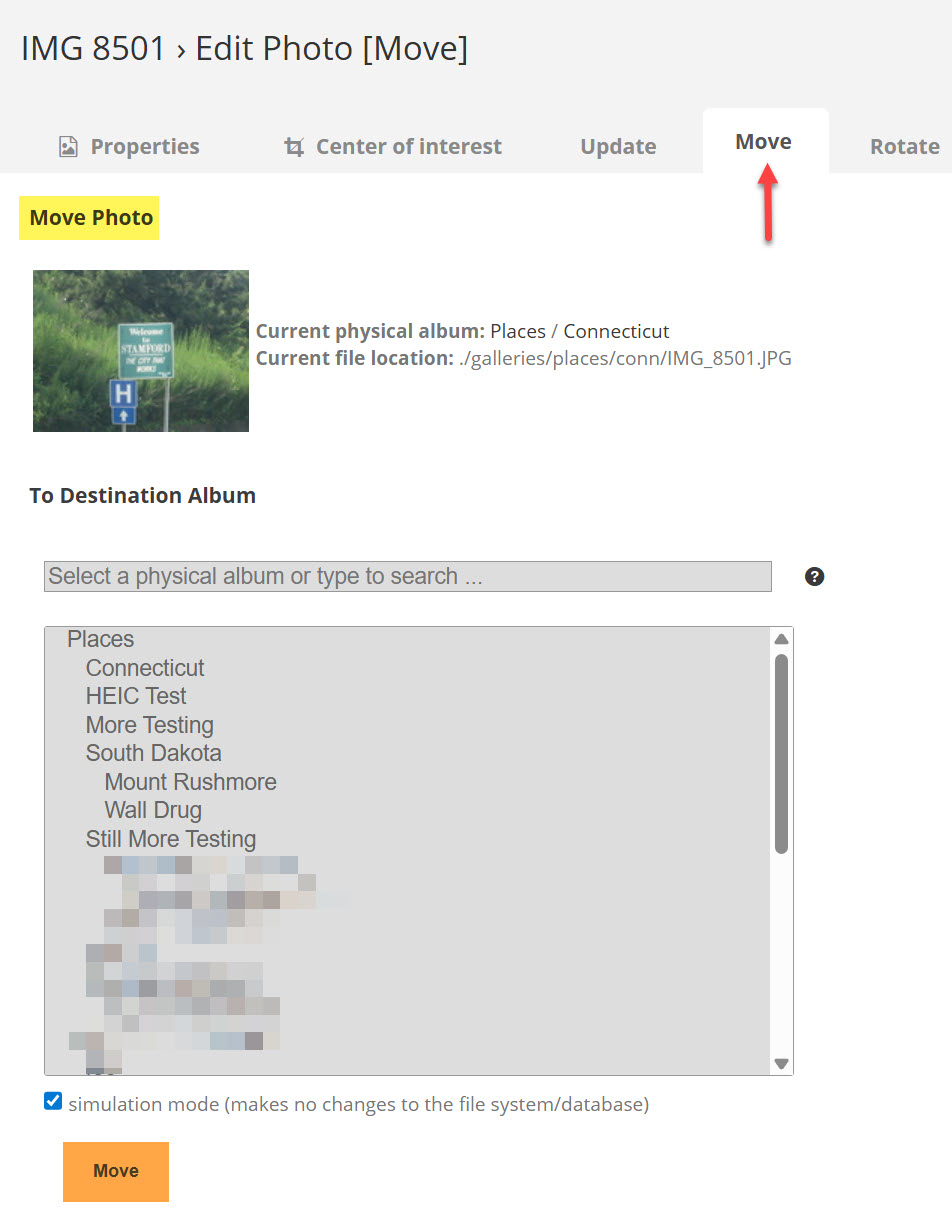
For the past two years I’ve been dealing with this manually: make a note of the description and tags of the photo, physically move the file, run Piwigo’s sync process, and then edit the file and add back the description and tags. Finally, I decided to write a plugin to do this automatically. PPM (Physical Photo Move) is an attempt to alleviate this inconvenience by allowing an existing item in a physical folder to be moved to another folder and keep all the existing metadata.

I just published the first release to Piwigo’s plugins repository tonight and my source code is here on Github. Check it out and let me know what you think!
Moving from Google Photos to Amazon Prime Photos

I’ve been using Google Photos since it was announced back in 2015 as a belt-and-suspenders second cloud backup of my photo library (my primary backups are still in SpiderOak). I was using the “High Quality” setting since most of my photos are less than 16MP and didn’t want to pay for the extra storage required for “Original Quality.” For no real reason (other than wanting to get more out of my $99/year Amazon Prime subscription), I decided to switch to Amazon Prime Photos on my Amazon Drive.

Read more

Spring Training 2017: Day 1

It’s been two years since I’ve been out to the Cactus League to watch my Cleveland Indians at Spring Training … but it’s time! The tech arsenal is pretty simple this year: my Surface Pro 4, iPhone 7 Plus, Canon PowerShot SX710, and FitBit Charge 2 (I also brought my trusty Garmin nüvi GPS but ended up not using it because the rental car didn’t have a CD player so I couldn’t use my magnetic slot mount and hadn’t brought the beanbag dashboard mount … oops! So I ended up using Waze on my iPhone).

Read more

FitBit Charge 2

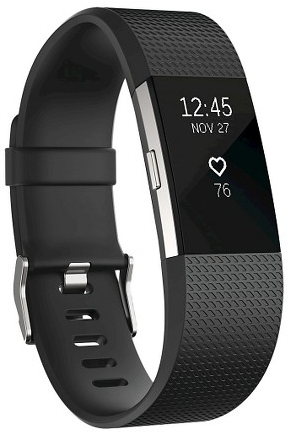
FitBit Charge 2My two-year old FitBit One started having a problem last month where I would find it just off. Holding down the button would cause it to “boot” (showing “FITBIT 6.60”) on the screen but while it was off it wasn’t tracking any activity. It wasn’t a battery issue as far as I could tell as the app was reporting an accurate status. I tried working with FitBit support but since the unit was out of warranty, all they could offer was a 25% discount code towards the purchase of a new FitBit device.

After waffling between just getting another One, or upgrading all the way up to a fitness watch like the Blaze, I decided to try the Charge 2.

Read more

Web Power Switch 7

Web Power 7

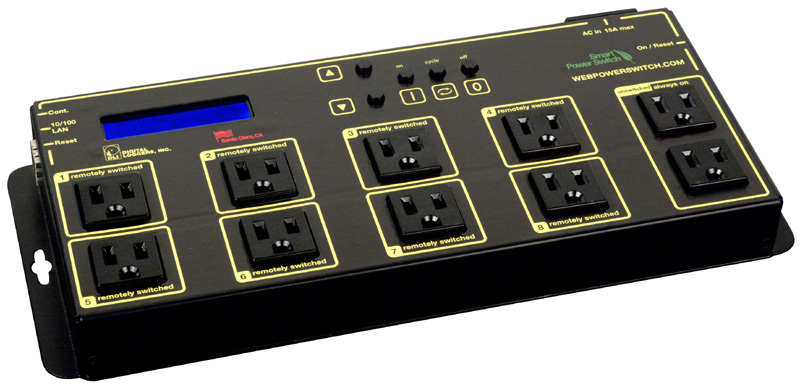
Over Christmas vacation I had a network outage that left me without remote access to my home network for a week. While I was at my in-laws, unable to connect to my server or cameras, I started researching options for out-of-band management of my home network. I started with cellular devices like this, but they all seemed to be GSM (2G) and most carriers are shutting down those older networks. I decided instead to go with a “smart” power strip, the Web Power Switch 7, which can power cycle devices plugged into it based on network connectivity criteria.

Read more

Trackr Bravo

Trackr Bravo

There’s no shortage of Bluetooth trackers out on the market. These are small devices you can attach to your car keys, wallet, pets, etc. and then pair to an app on your smartphone so you can presumably find them when they’re lost or misplaced. I recently picked up three TrackR Bravos (one for my keys, one for my wife’s keys, and one for my daughter’s wallet) to see how they would work.

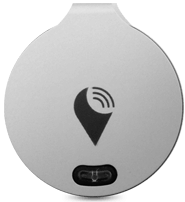
The Bravo is one of the smallest of the trackers out there, barely larger than then user-replaceable CR1620 battery that powers it. It’s metal, and comes with a ring for your keyring, and a small adhesive sticker if you’re going to mount it on something instead. A small blue LED also doubles as a button for pairing or finding your phone (more on that later). Set up is fairly straightforward: install the Trackr app on your phone, create an account, and step through the wizard for pairing the Trackr Bravo with your phone over Bluetooth.

Read more

iPhone 7 Plus

iPhone 7 Plus

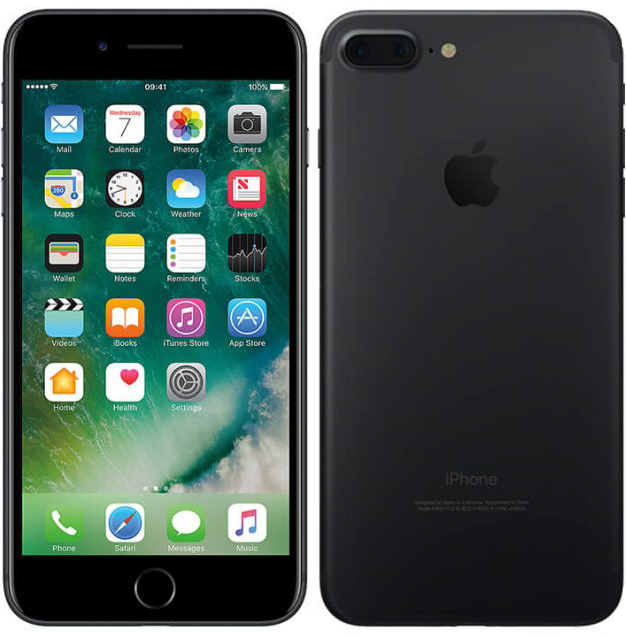
Right after Thanksgiving my iPhone 6 Plus started exhibiting the symptoms of touchscreen disease: the screen would just stop responding to taps (unless I turned it off and back on again), would scroll erratically (or not at all), and had a slight yellow tinge around the edges. I toyed with the idea of getting a “new” device from someplace like Gazelle or eBay, but decided to just re-up with AT&T. After figuring out their byzantine terms and condition for the AT&T Next program, I placed my order for a new matte black 128gb iPhone 7 Plus and had it a few days later.

Read more