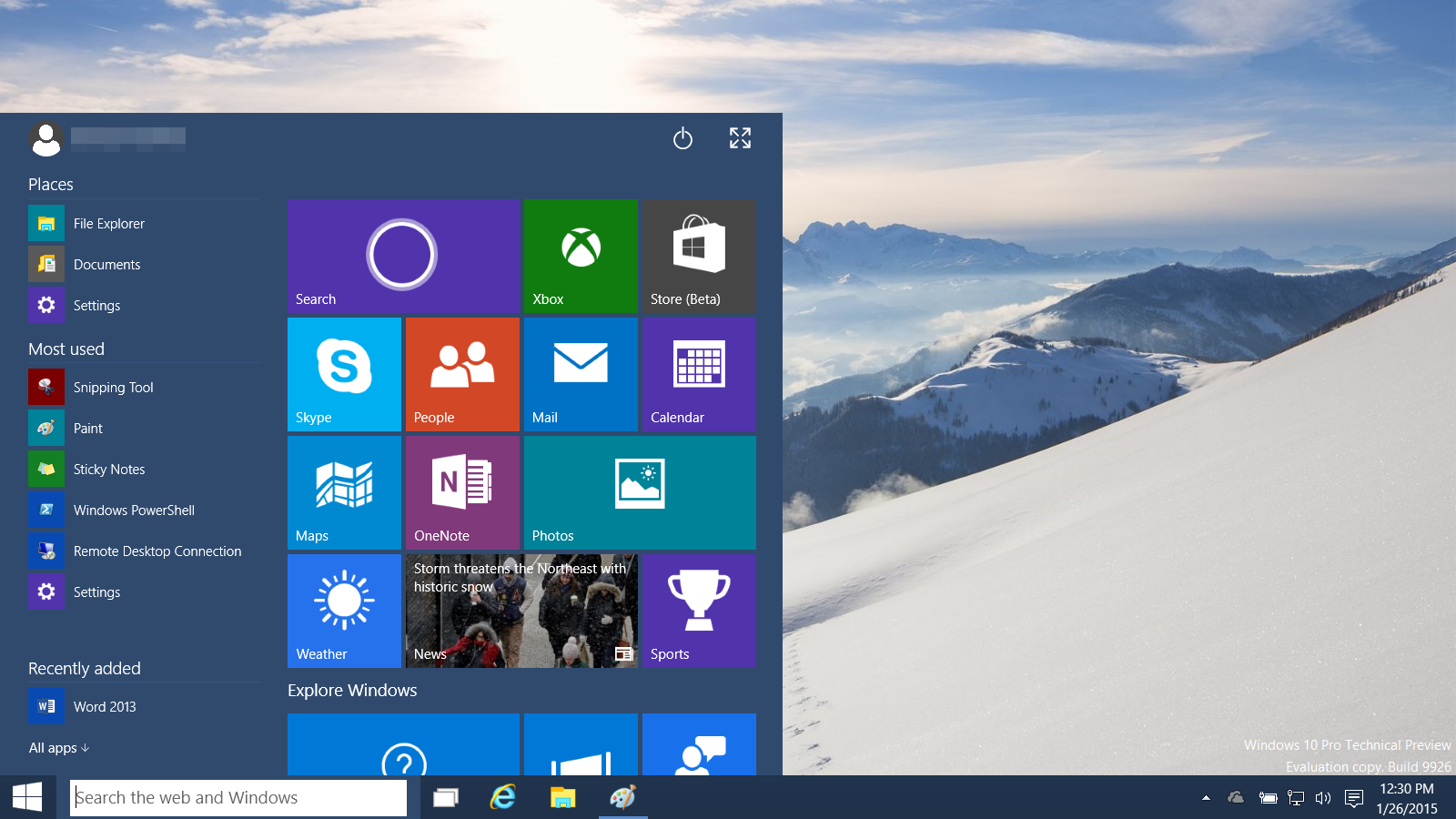
Microsoft announced Windows 10, the successor to Windows 8, last September. Like I’ve done in the past with Windows 7 and Windows 8, I downloaded the first tech preview in October and installed it on a spare laptop at work to get a jump on learning my way around the newest iteration of Windows. Last week, after an official media event for Windows 10 (at which Microsoft also announced HoloLens!), another big update to the tech preview was released so I grabbed the ISO and did a fresh install on my (original) Surface Pro tablet.
After I got my standing desk it became quickly apparent that I should upgrade my monitors. My trusty 17″ Samsung 172N was over 11 years old and my 19″ Gateway FPD1960 was pushing 9 years. There was nothing wrong with them, but they were square (4:3) and, now that I was standing, too low on the desk, making me look down and hurting my neck. It was time for an upgrade and for Christmas I received two ViewSonic VA2212M 22″ LED monitors and the VIO free-standing dual monitor stand.
During my recent web photo gallery conversion to Piwigo I realized that a lot of my JPG photo files were corrupted! I think this happened last March when I copied everything from my old NAS to a new one. I suspect the network/connectivity issues I had with that new NAS caused the file corruption. I ended up returning that device and getting a Synology Diskstation, but by that point the damage was done. I didn’t notice then because the thumbnail images in my Gallery software were still fine, it was the originals that were messed up. Unfortunately, since the corruption happened so long ago, I no longer had backups I could restore from. My only option was to try and repair the files.
Everyone seems to have a fitness tracker these days. They’re the hot new personal tech.
I pre-ordered the original FitBit back in 2008 but ended up cancelling my order once they shipped (over a year and a half later) because at the time I had met my weight loss goals and decided I didn’t need one. Four years later I got my wife the FitBit One and ended up with one (no pun intended) myself in January last year. I really took to it, just for basic step counting and weight tracking, even calling it “generating system/debug logs for my body” in an e-mail I sent to the Daily Tech News Show (see the clip below, starting at 28:04):
My wife now has the Flex and my daughter got a Charge for Christmas, so my family is a FitBit family. We all use the FitBit app on our iPhones, compete against each other in step counts, etc. It’s actually a fun “family” activity. I particularly like the Charge because a) I finally got my daughter to wear a “watch” and b) it’s paired to her phone so when I call her my name appears on her wrist and it vibrates so I know she’ll see me calling. 🙂
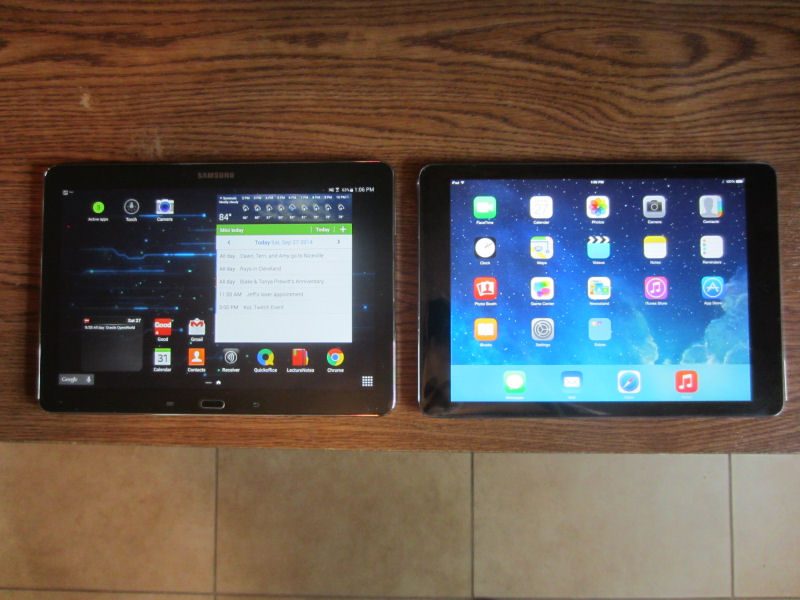
Well, that didn’t last long. Just six months after getting my Samsung Galaxy Note 10.1 Android tablet at work I’ve now been given a 5th generation iPad Air.
The Note 10.1 had promise but we just never ended up rolling many of them out. Android is still a minority in my office where the majority of the devices I am assigning to people are iPhones and iPads. Now we’re considering moving more services into the cloud (like Office 365 and OneDrive for Business) and since there’s still no Office for Android tablets (yet?) going back to the iPad as the corporate standard seems to make sense.
Truthfully, I didn’t use my Galaxy Note 10.1 that much … except for note taking. I love the stylus and Lecture Notes combination. I’ll probably keep it around just for that (and I do a lot of writing on it) instead of going back to a fat-ended stylus and Note Taker HD like I used to.
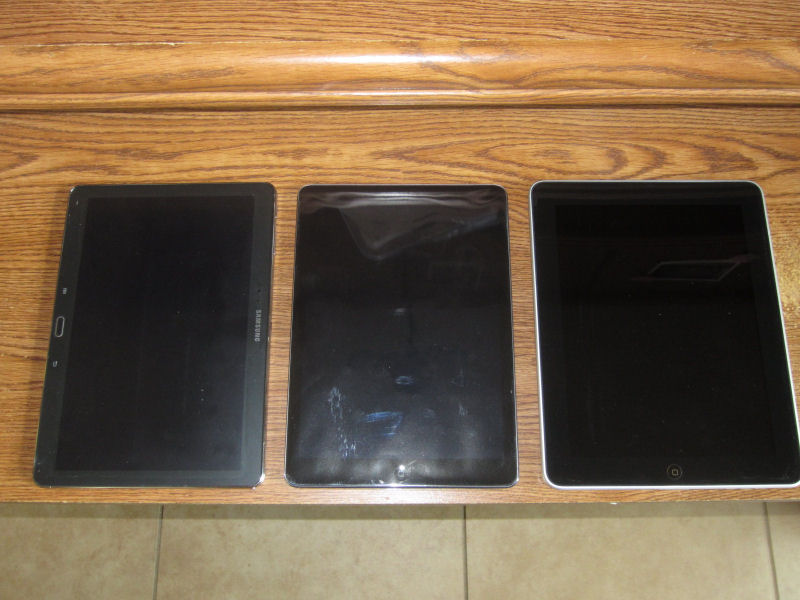
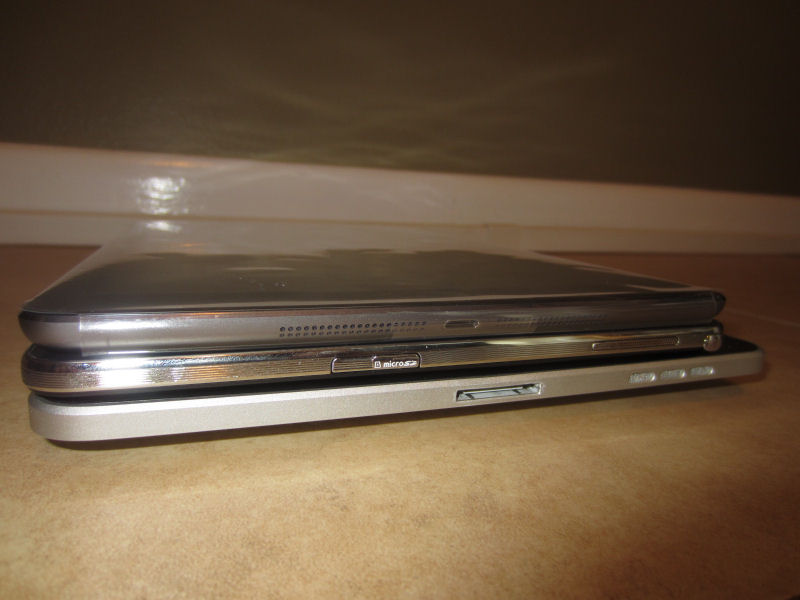
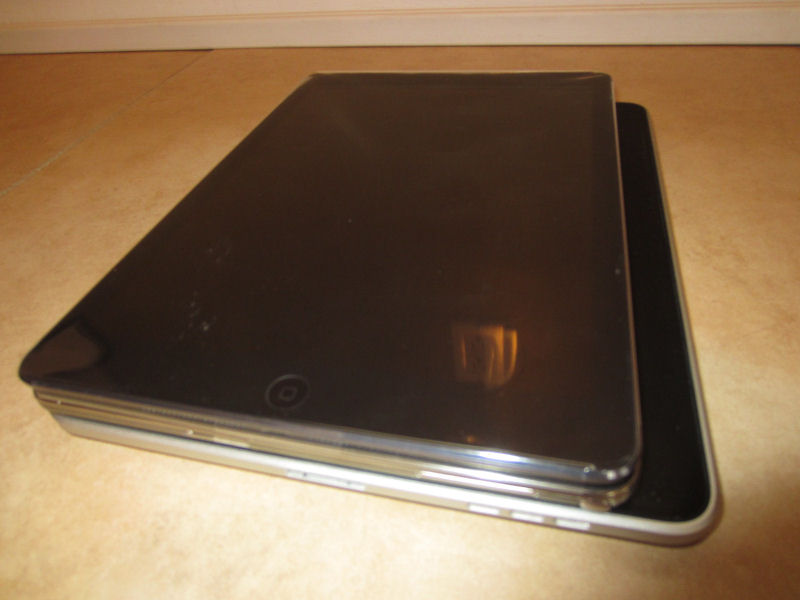
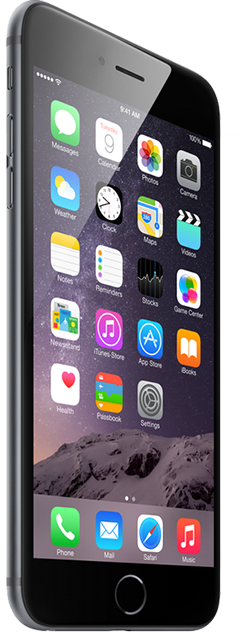
My last iPad was the original first generation iPad which was stuck on iOS 5.1.1. So it’s nice to have a current device with new hardware (at least, until next month, that figures) that runs iOS 8 (especially now that I also have an iPhone 6 Plus – no more 32-pin connectors). The iPad Air is pretty much exactly the same as the Galaxy Note 10.1, dimensions- and weight-wise (see my comparison photos below), but the name is a lot easier to type. 🙂 I chose the iPhone 6 Plus because I wanted something closer to a mini tablet in size. Had I known I was getting a new iPad, I might have gone with the regular model.
Two new Apple toys in a week … I’ve got a lot of setup and configuring to do.
I’m not what you’d call an Apple fanboy, but for some reason I felt compelled to wake up at 3am on September 12 to place my 64gb iPhone 6 Plus pre-order with AT&T. I was disappointed to learn (later that day after finally receiving my order confirmation e-mail) that my new phone wouldn’t even ship until between October 2 and October 11!
Launch day, September 19, came and went, but the Plus was hard to find so I didn’t feel too bad about not having it right away. In fact, I felt a little foolish for getting up early and drinking the Apple kool-aid. Oh well, whatever.
Surprise! Early Wednesday morning, September 24, I got a shipment notice from AT&T, and it was already out for delivery! After all of that, I ended up getting my new big (and yeah, it’s big!) phone just 5 days after launch.
Our family laptop (an hp Envy 14 Beats Edition) has taken a beating (no pun intended!) over the past few years and recently (thanks to be carried around by the screen by my daughter) the LCD has gone wonky, requiring a bunch of futzing to get the display to work properly.
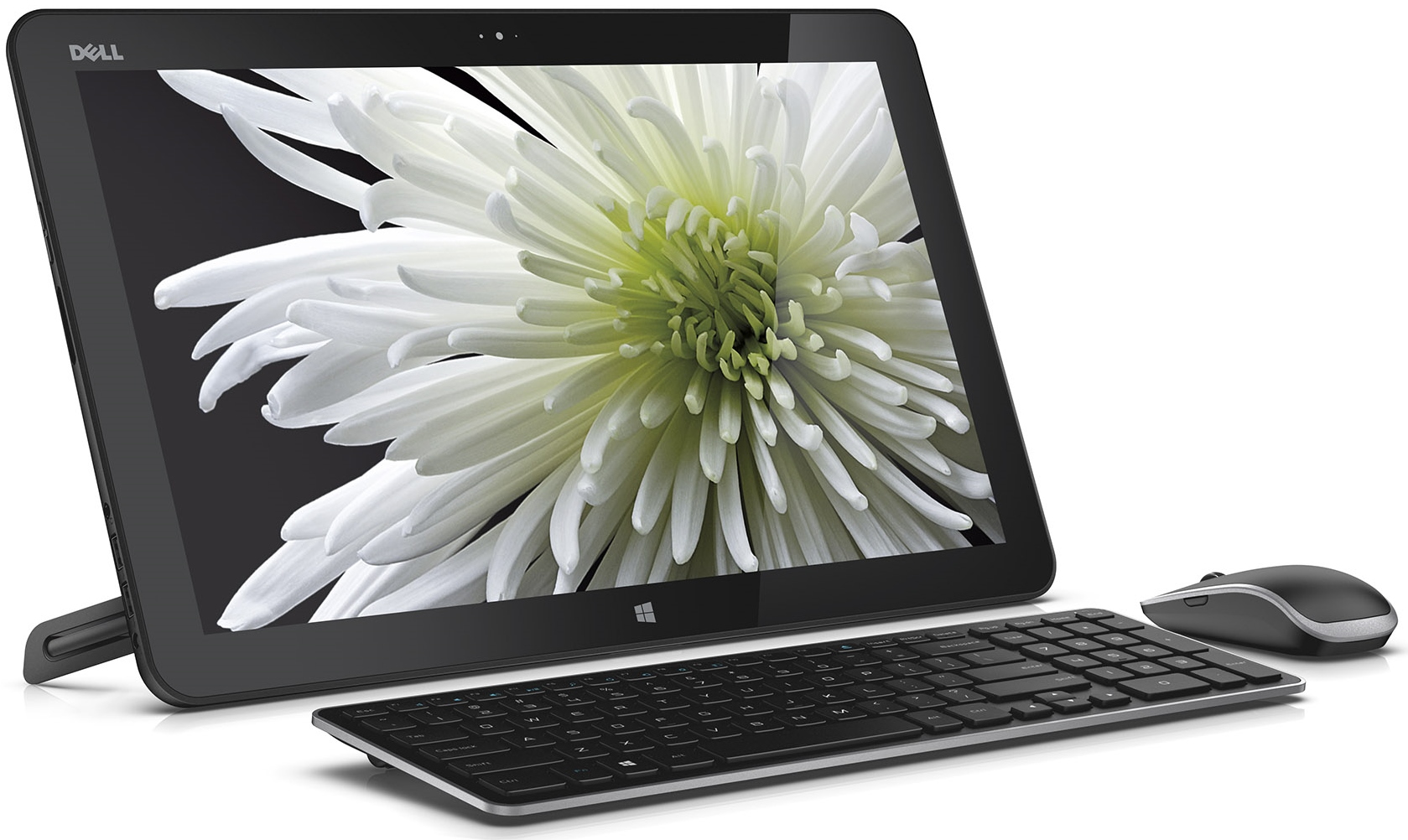
The recent tax-free weekend here in Florida (for back-to-school) was different than in years’ past in that the first $750 of a computer purchase would be tax free. This seemed like a good time to get a new family PC before the new school year started so I did some quick research and ended up with the Dell XPS 18.
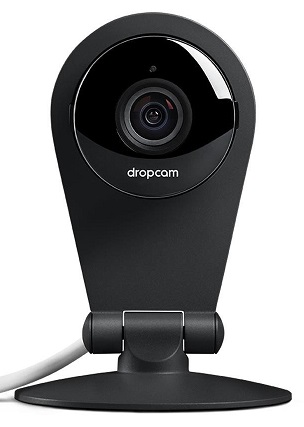
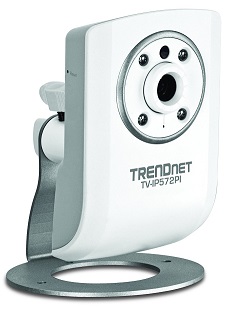
More cameras as my replacement project continues! I’ve been using the TRENDnet TV-IP422W cameras inside for the past few years but really hadn’t been using their pan-tilt-zoom features. Rather than replace them with fixed, high-resolution PoE cameras like the TV-IP572PI and continue to possibly overload my ZoneMinder installation, I decided to give the Dropcam Pro a try.
My security camera re-org project continues as I upgrade my old indoor cameras to newer HD (and PoE) versions. I replaced the outside ones earlier this month and next on the list was my four year-old TRENDnet TV-IP121W which I replaced with the very similar, but newer TV-IP572PI.