Apple iPad Air (5th Gen)

iPad AirWell, that didn’t last long. Just six months after getting my Samsung Galaxy Note 10.1 Android tablet at work I’ve now been given a 5th generation iPad Air.

The Note 10.1 had promise but we just never ended up rolling many of them out. Android is still a minority in my office where the majority of the devices I am assigning to people are iPhones and iPads. Now we’re considering moving more services into the cloud (like Office 365 and OneDrive for Business) and since there’s still no Office for Android tablets (yet?) going back to the iPad as the corporate standard seems to make sense.

Truthfully, I didn’t use my Galaxy Note 10.1 that much … except for note taking. I love the stylus and Lecture Notes combination. I’ll probably keep it around just for that (and I do a lot of writing on it) instead of going back to a fat-ended stylus and Note Taker HD like I used to.

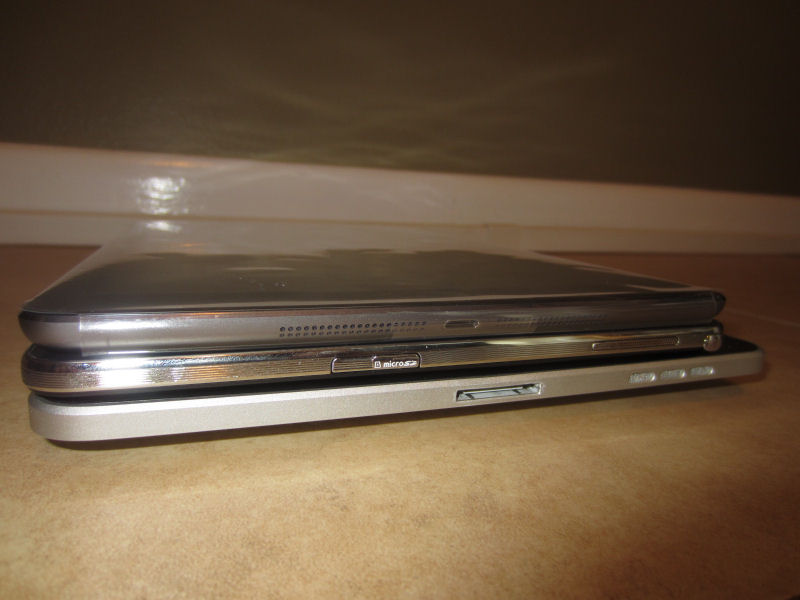
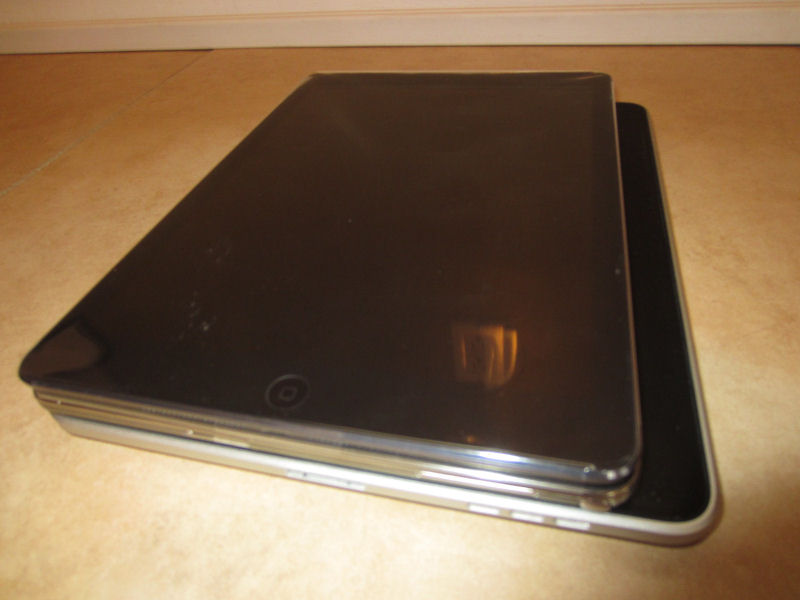
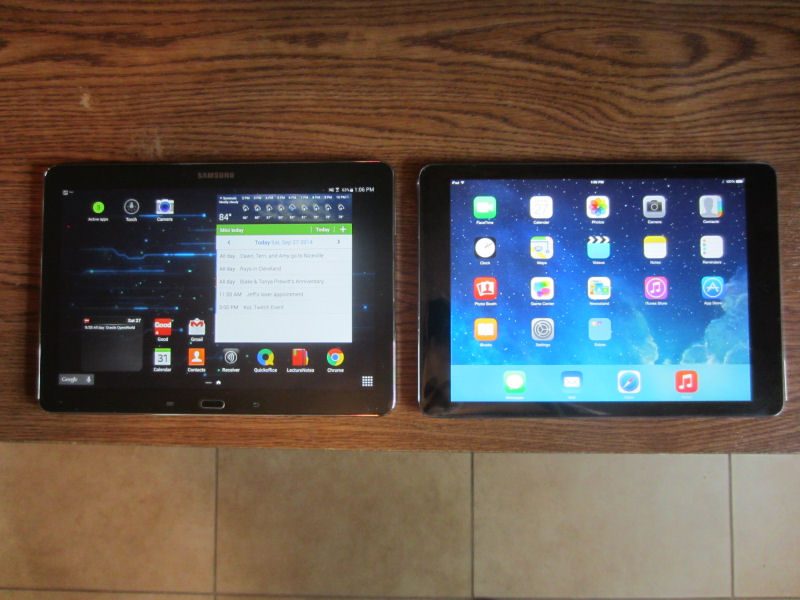
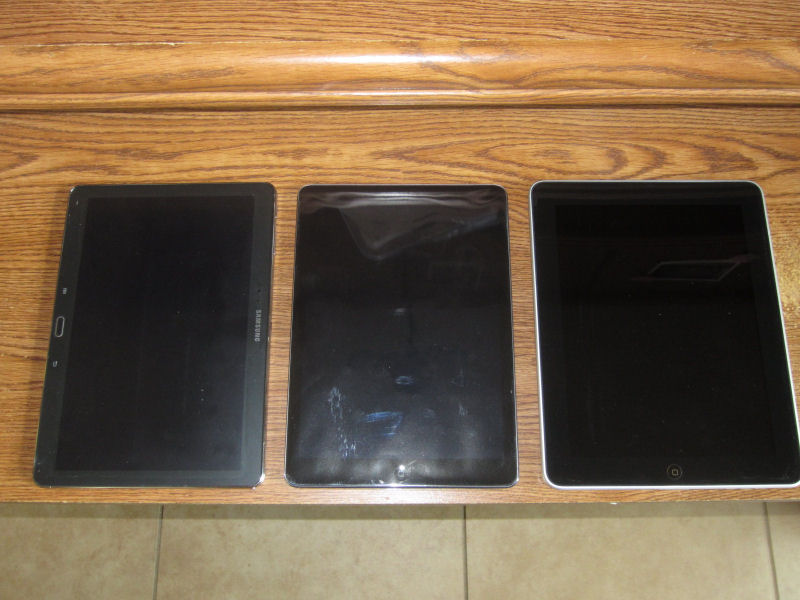
My last iPad was the original first generation iPad which was stuck on iOS 5.1.1. So it’s nice to have a current device with new hardware (at least, until next month, that figures) that runs iOS 8 (especially now that I also have an iPhone 6 Plus – no more 32-pin connectors). The iPad Air is pretty much exactly the same as the Galaxy Note 10.1, dimensions- and weight-wise (see my comparison photos below), but the name is a lot easier to type. 🙂 I chose the iPhone 6 Plus because I wanted something closer to a mini tablet in size. Had I known I was getting a new iPad, I might have gone with the regular model.

Two new Apple toys in a week … I’ve got a lot of setup and configuring to do.
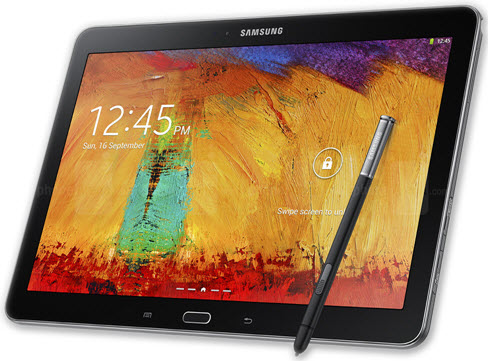
Samsung Galaxy Note 10.1 2014 Edition

Samsung Galaxy Note 10.1 2014 EditionA few weeks ago I got a Samsung Galaxy Note 10.1 2014 Edition (whew, what a mouthful!) at work to replace my aging (stuck on iOS 5.1.1) first generation iPad. We’re considering switching from iPads and Windows laptops to Android tablets for our mobile users and so those of us in IT are getting a first crack at evaluating these new devices.

This isn’t my first isn’t my first experience with Android (we evaluated a Toshiba Thrive 10 a few years ago and also support a few Galaxy Note phones in the office), but coming from a long history of iOS usage, my initial out-of-the-box experience with the Galaxy Note 10.1 has been frustrating. I’m hoping it will grow on me as I continue to use it as my iPad replacement …

Read more

TiVo Roamio Pro and Mini

When I got my first TiVo back in 2003 it seemed like I was adding new TiVos to my “collection” almost every year and had four of them by 2007. With the recent release of the TiVo Roamio line I decided to do a little consolidation and upgrade my setup with the latest hardware.

My existing TiVo setup consisted of the Premiere (2 tuners), the OLED S3 (2 tuners), and the THD (2 tuners). I still have my original Series2 (single tuner, non-HD) box but it’s been sitting in a closet, unused, for some time (kept only for sentimental reasons).

I ended up selling the THD on eBay but kept the OLED S3 and Premiere for now since they both have lifetime service (although they are now in the closet with the S2). I replaced the lot with a new 6-tuner, 3TB Roamio Pro.

Read more

Using my iPhone with Toyota’s Display Audio system

A few weeks ago I traded in my trusty old 2003 Toyota Highlander (174,000 miles) for a new 2013 SE model. In addition to all the automotive and mechanical advances in a 10-years’ newer SUV, I finally have built-in Bluetooth and iPod integration! (I know, welcome to 2008, right? 😉 ). Toyota’s Display Audio system has a lot of cool features, but as with any “new” technology, it’s not without its share of end-user frustration.

Read more

Farewell Google Reader, hello Feedly

Why does Google keep killing the stuff I actually use? First iGoogle and now last week they announced they will be shutting down Google Reader on July 1st.

I immediately went on a quest to find a decent replacement. After trying out a few alternatives like The Old Reader and NewsBlur, I got a recommendation from a friend to try Feedly. I wasn’t the only one making the switch as the site supposedly gained 500,000 new users in the days after the Google announcement.

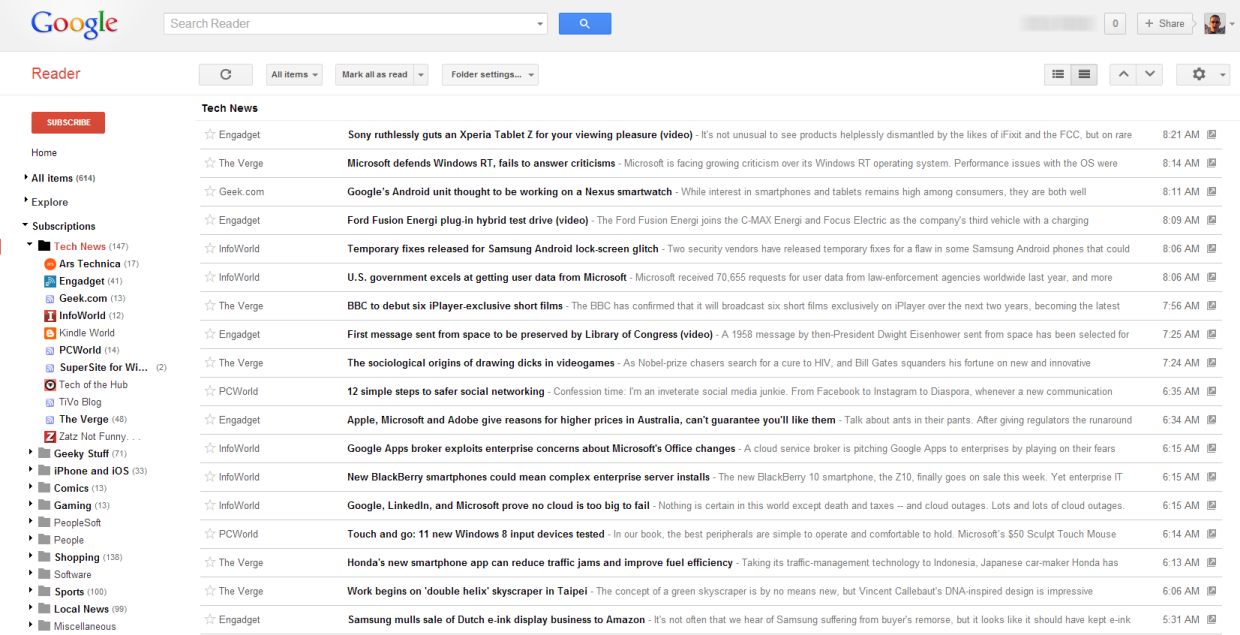
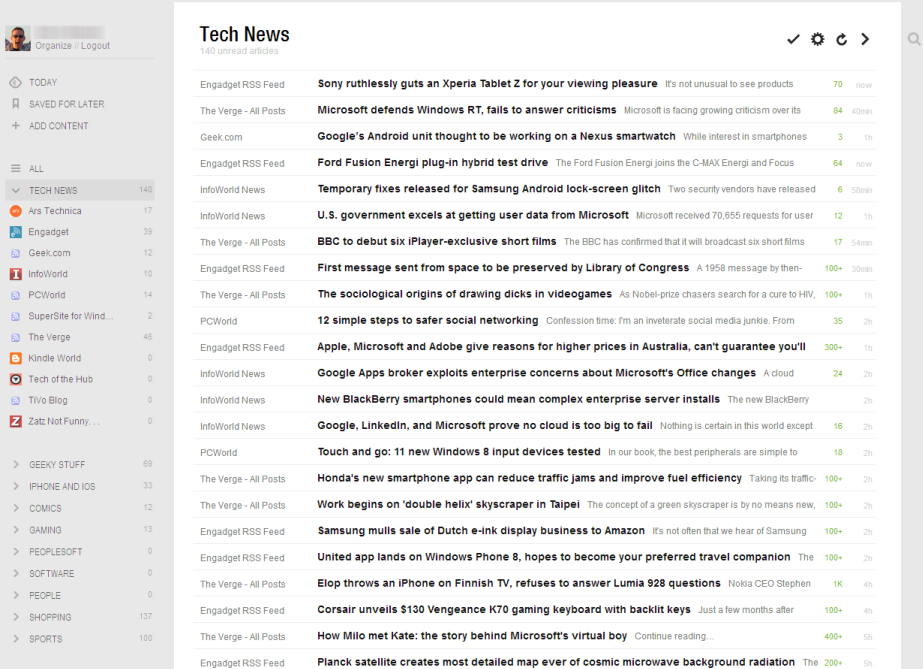
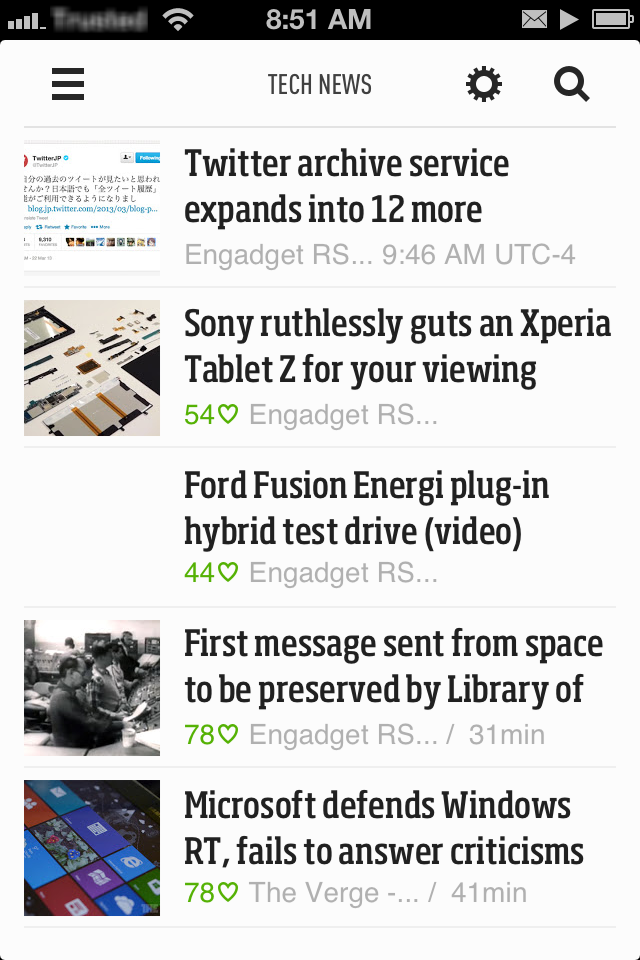
It’s been a week and I have to say I like Feedly the best out of the others I tried. It’ll take a little while longer to completely adjust my Google Reader usage habits to Feedly, but at least the initial setup was pretty easy as Feedly uses Google Reader in the background (they claim to have a backup plan in place (called Normandy) to switch to their own engine once Reader is shut down). Check out the comparison screenshots in the gallery at the end of this post to see my Feedly in action. It even has a free iOS companion app (I don’t normally do a lot of RSS reading on my mobile device, but it’s nice to have just in case).

Using the TiVo iOS app over a VPN

TiVo’s mobile app for iOS is great when you’re sitting on the couch watching TV, but it has limited functionality when you’re out and away from your home WiFi network. The remote control and Info features aren’t available in Away Mode which up until now hasn’t been a big deal (why would you want to change the channel on your TV if you’re not at home?). With the recent release of the TiVo Stream and v2.0 of the app, however, there has been renewed interest in accessing the full functionality of the app while away from home … primarily for streaming Live TV and recorded content when not on your home network.

The obvious technical solution to a problem like this is a VPN connection to your home network. But in the case of TiVo it’s unfortunately not that straightforward. It wasn’t easy, but I got it working (sorta, more on that later). So if you don’t mind tinkering with your router, tweaking network settings, and jailbreaking your iOS device, grab a cup of your favorite beverage, roll up your sleeves, and read on …

Read more

Eye-Fi Mobile X2

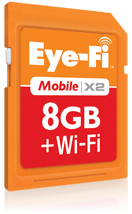
Since my new Canon PowerShot Elph 300HS required a Class 6 SDHC card to record 1080p HD video and also included native support for the Eye-Fi series of wireless-enabled SD cards, I decided to pick up a new Eye-Fi Mobile|X2 SDHC memory card.

Let’s be up-front about this: you pay a premium for the convenience of built-in WiFi. A regular 8gb Class 6 SDHC card runs about $10 on Amazon whereas the 8gb Mobile|X2 is 8 times that (although keep an eye out for price drops, I got mine for $60). On top of the higher price, you’ll get poorer battery life in your camera (unless your camera supports Eye-Fi cards in their menu system which lets you turn off the wireless sync to save battery life).

Read more

iOS5’s new features

It’s been about a week since I upgraded to iOS5 on my iPhone 3GS (and performed the untethered jailbreak) and I’ve since been learning my way around some of its new features.

  • Twitter: don’t use it
  • Newsstand: don’t use it (I use MegaReader)
  • iCloud: don’t use it (except for Find My iPhone)
  • WiFi iTunes sync: only works when the device is plugged into power, so I might as well just connect it via the USB cable to my PC
  • Reminders: I was excited to learn that iOS5 finally added support for synchronizing my Tasks in Microsoft Exchange via ActiveSync. However, the lack of categories, no sorting by priority (or any sorting at all!), and no way to easily clear all Completed entries quickly led me to dump Reminders and go back to iMExchange 2. Nice first try Apple, but this still needs work. 🙁
  • iPad multi-tasking gestures: don’t work on my iPad 1

Ok, now for the stuff I actually do use (why did I upgrade again?). 😉

  • iMessage: being able to chat other iOS users without using my AT&T text messaging plan (the no-longer-available 200 messages/month for $5) is nice. It’s even nicer that biteSMS seamlessly takes over the the built-in Messages app and supports iMessage too.
  • Notification Center: it’s not perfect, but it is a huge improvement over the previous notification system. I like that SBSettings can integrate with it since I’m already used to swiping down from the top of the screen. I’m still configuring all of my different app notifications but for the most part I’m happy with this new feature. I do wish it was wider on the iPad when in landscape mode, however.

Unfortunately, I have run into some problems since upgrading. Slow/sluggish performance and poor battery life were the initial indicators. Sometimes the phone is so slow it takes one of my taps as a tap-and-hold, or just ignores the tap altogether so I end up tapping multiple times on the same element. I’ve gone through some of the tips to improve battery life, which did help, but it still seems like my battery drains faster than it did on iOS 4.3.3. I’m going to stick with it, though (I don’t feel like attempting to downgrade back to 4.3.3 and setting up everything again). There may be a new iPhone in my near future anyway …

iOS5 untethered jailbreak arrives, I take the plunge (again)

The iOS jailbreaking community got a nice holiday/new year’s gift the other week from pod2g and the dev-team: the untethered iOS 5.0.1 jailbreak for the iPhone 3GS, iPhone 4, and original iPad (iPad 2 and iPhone 4S users might get their own jailbreak soon too). I’d been running iOS 4.3.3 on my iPhone 3GS since last May so I decided to take the plunge to upgrade to Apple’s latest software and then re-apply the jailbreak.

Read more

Creating interactive fiction with Inform 7

If you owned a personal computer in the 80s and played computer games, you probably played at least one Infocom text-based adventure game like Zork or (my personal favorite) The Hitchhiker’s Guide to the Galaxy. Known as interactive fiction, or IF, these games used the most powerful computers on the planet for their processing engines … your imagination. Instead of fancy color graphics and digital sound effects, Infocom games were just white text on a black screen controlled by you typing in commands like “go north” or “examine the small box” and usually involved solving complicated puzzles to win.

I’m actually a little surprised I haven’t written about IF before on this blog considering how fond I was of playing Wishbringer or Moonmist on my Atari 800XL back in the day. Even my daughter had even gotten into playing IF games on my iPad with Frotz. She’s an avid reader and also loves playing games, so IF games are a natural fit for her. Back in late August I decided I wanted to try my hand at writing her a personalized game which eventually evolved into the idea of making the game a scavenger hunt of sorts for her birthday in December. That gave me about four months to plan, design, write, and test the game.

Read more