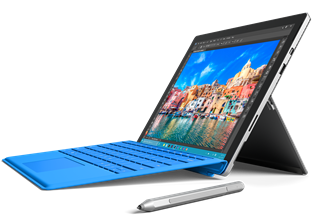
 At work we’ve been using Microsoft’s Surface Pro since its original release and it has been our standard issue laptop since last year, starting with the Surface Pro 3. Moving forward, we’ve starting deploying the latest Surface Pro 4 with Windows 10. I’ve been using the SP4 for the past week as my primary machine in the office and other than some obvious hardware enhancements and some cool new features, it’s pretty much the same as the SP3 (and in fact, this post will pretty much be the same as the one I wrote back then).
windows
general Windows stuff
Windows 10
It’s Windows 10 release day! The free upgrade for qualified devices is now available to the general public.
I’ve been using Microsoft’s latest desktop OS since the first Technical Preview was released for Windows Insiders last October, mainly on my old original Surface Pro 1 just to get a jump on learning the new software and seeing how it progressed. For the past two weeks I’ve been running the final builds on my new main home PC and the transition from Windows 7 has been pretty smooth. It’s definitely grown on me since that first tech preview.
We won’t be upgrading our Windows 7/8.1 PCs at work to Windows 10 anytime soon, but now that it’s officially released I’m sure we’ll start seeing new PCs with it pre-installed showing up soon. Luckily, so far it seems like Windows 10 will be an easy transition. Time, as always, will tell.
Intel NUCs
Since getting my standing desk at home last last year I’ve been thinking about getting a new, smaller PC that would fit on top of my desk instead of under it (like my old Dell Inspiron from 2008), eliminating cable clutter. With the upcoming release of Windows 10 I had been thinking more about this and also replacing my Aspire Revo Linux server with a newer box. The nettop had the benefit of being small and quiet, although slightly underpowered, which made it a decent “server” to hide away in my networking closet. Using size, features, and cost as my guides, I decided to go with Intel NUCs for both replacements.
Microsoft Surface Pro 3
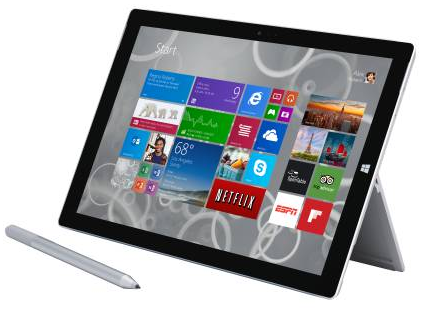 We’ve decided to give the Microsoft Surface another shot as our next “standard issue laptop” at work so I now have a Surface Pro 3 tablet. The SP3 is replacing my Samsung Ativ Book9 ultrabook, which I got in April 2014, in turn replacing my original Surface Pro. I’ve been using it now for two weeks as my main machine at work, so how does it stack up against the ultrabook and the original Surface? Some things change, some things stay the same …
Windows 10 Technical Preview
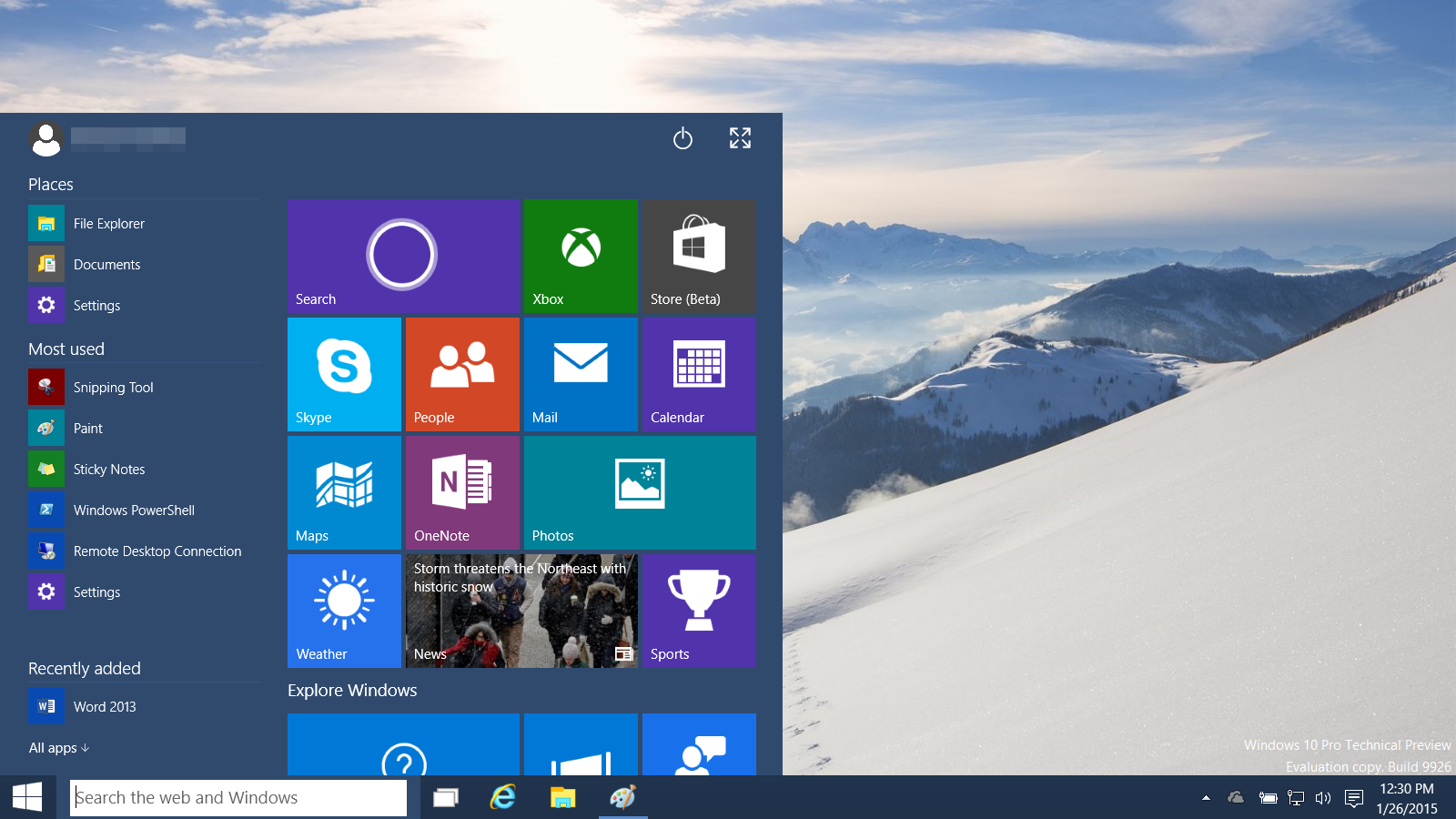
Microsoft announced Windows 10, the successor to Windows 8, last September. Like I’ve done in the past with Windows 7 and Windows 8, I downloaded the first tech preview in October and installed it on a spare laptop at work to get a jump on learning my way around the newest iteration of Windows. Last week, after an official media event for Windows 10 (at which Microsoft also announced HoloLens!), another big update to the tech preview was released so I grabbed the ISO and did a fresh install on my (original) Surface Pro tablet.
Dell XPS 18
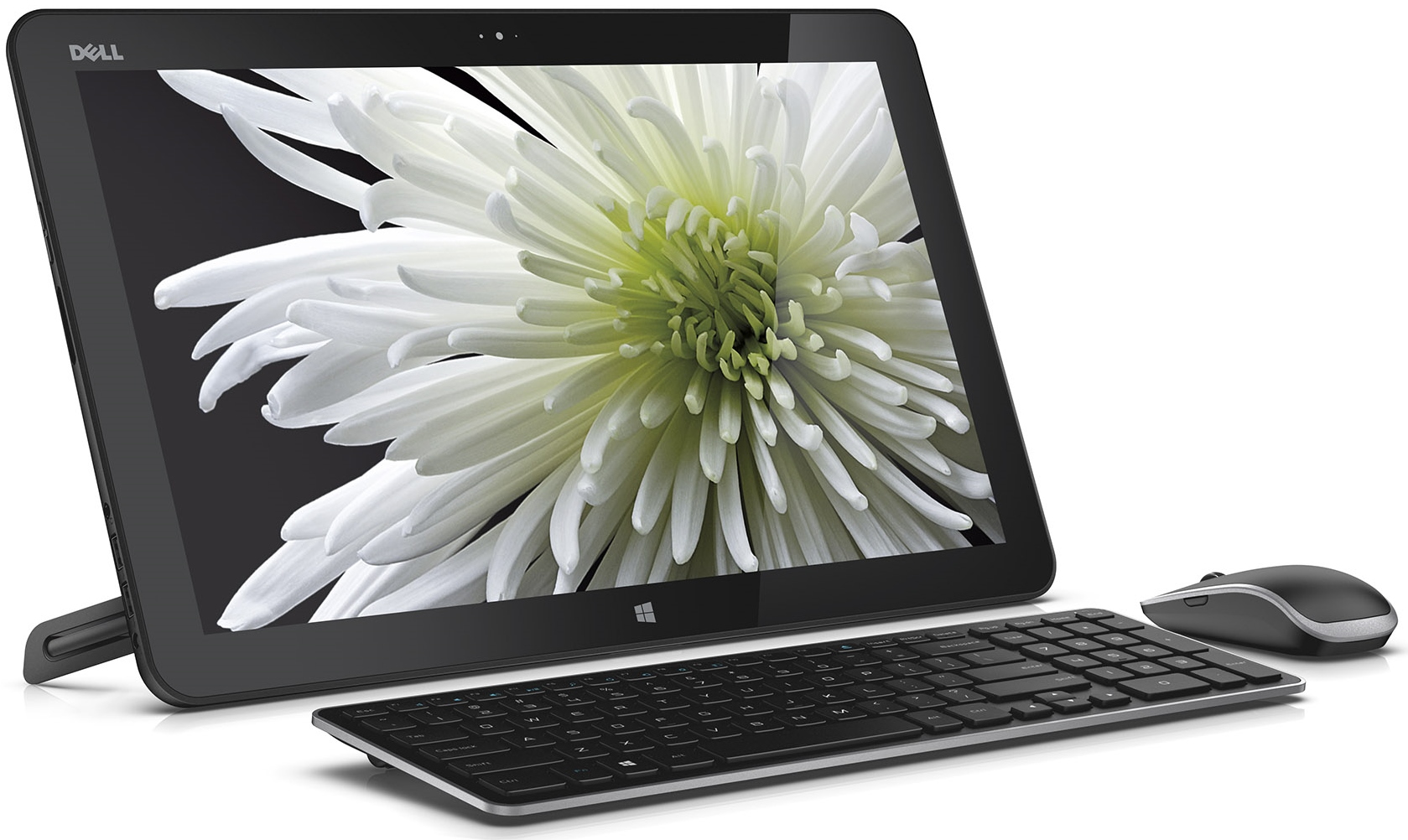 Our family laptop (an hp Envy 14 Beats Edition) has taken a beating (no pun intended!) over the past few years and recently (thanks to be carried around by the screen by my daughter) the LCD has gone wonky, requiring a bunch of futzing to get the display to work properly.
The recent tax-free weekend here in Florida (for back-to-school) was different than in years’ past in that the first $750 of a computer purchase would be tax free. This seemed like a good time to get a new family PC before the new school year started so I did some quick research and ended up with the Dell XPS 18.
Microsoft Surface: RT vs Pro
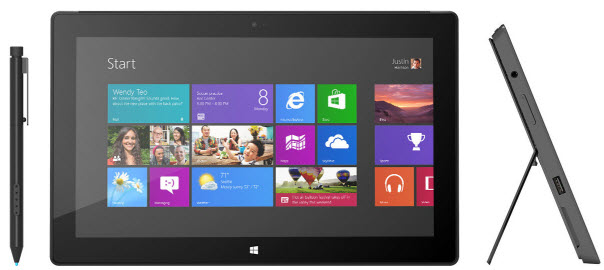 Four months ago I bought my daughter a Microsoft Surface RT tablet for her birthday as a laptop replacement. Last month I got a Surface Pro to use at work (also as a laptop replacement). Having now used both versions of Microsoft’s first tablet I wanted to jot down a few of my own observations about the Pro and how it compares to the RT version.
LEGO Mindstorms NXT 2.0
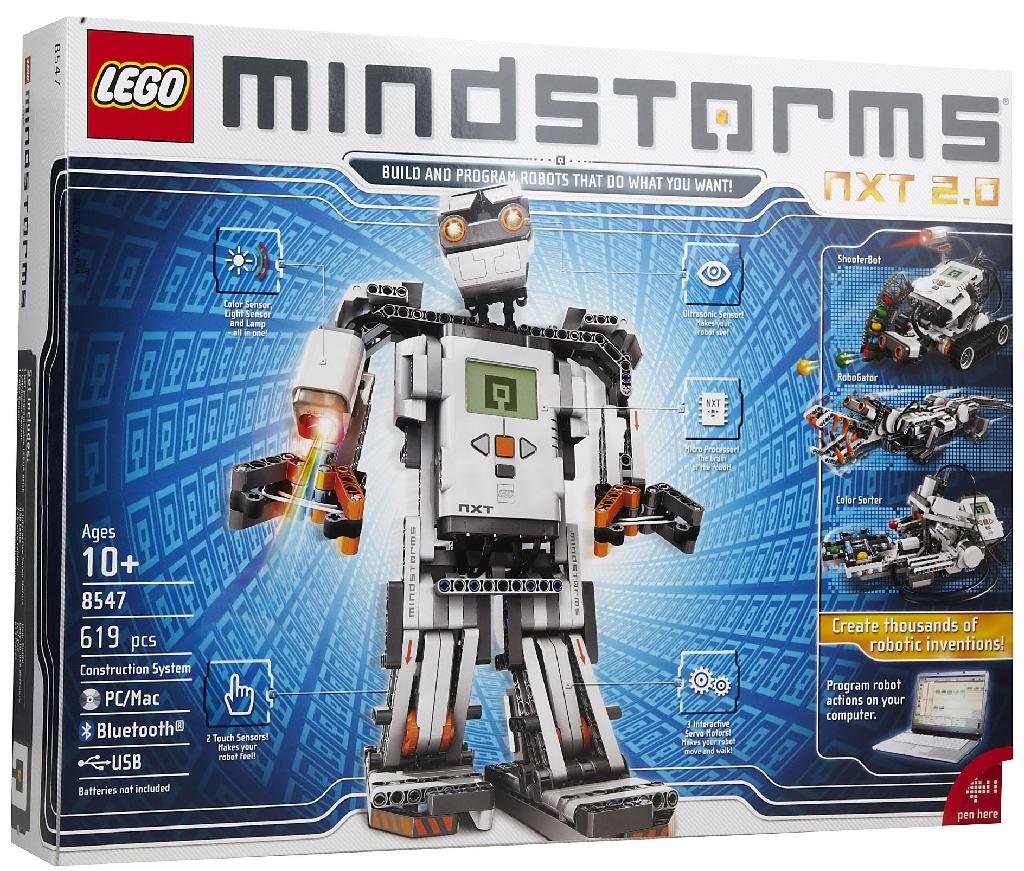 For Christmas, Santa brought my daughter and I the LEGO Mindstorms NXT 2.0 buildable/programmable robotics kit. Sweet! Of course as luck would have it, LEGO just announced the next generation of the Mindstorms line at CES this week, but that won’t damper our enthusiasm for building robots and programming them to do our will! 😀
My daughter has prior experience with the Mindstorms kit, having gone to a robotics camp over the summer, so while I was figuring out how to put together the quick start robot, she was already installing the software on her laptop and working on her first program (too bad the software won’t run on her Surface).
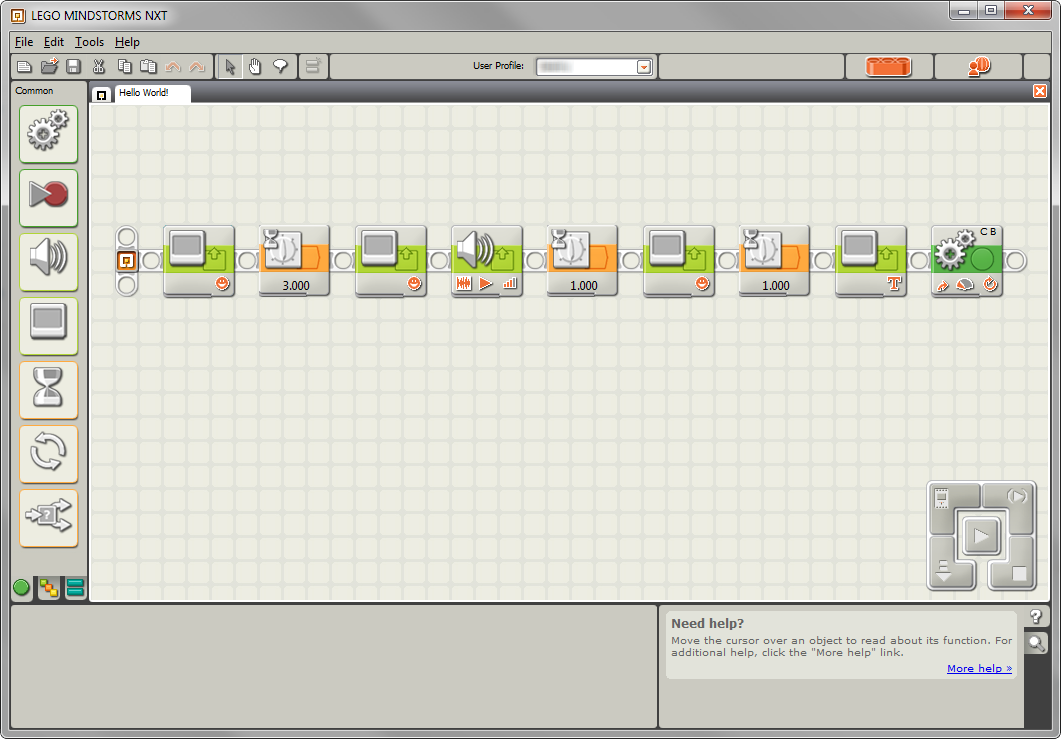
After writing the obligatory Hello World program, I fleshed it out a bit as I got familiar with the development environment and soon had our robot displaying animated graphics on the LCD screen, playing sounds, and moving around. Very cool!
We’re both looking forward to seeing what we can do with the NXT and its sensors. The new EV3 kits will support iOS and Android out of the box, something the NXT doesn’t. I was able to install LegoDrive on my jailbroken iPhone 4S, however, and drive my quick start robot around by tilting my phone (the dogs were not amused). Maybe I’ll even get my Raspberry Pi involved in our tinkering somehow.
I, for one, welcome our new LEGO robot overlords.
Microsoft Surface RT tablet
Last month I picked up a 32gb Microsoft Surface RT tablet as a combined birthday/Christmas present for my daughter. In a bit of pre-planning I upgraded her laptop to Windows 8 so she had time to get familiar with the new OS before she finally got the tablet last week. So far, it’s been a hit, despite some of the setbacks of WinRT, but I’ll get into those later.
Switching from Jungle Disk to SpiderOak
Back in October 2007 I started using Jungle Disk and Amazon S3 (Simple Storage Service) for my online backups. At the time, it was one of the cheapest and more reliable ways of backing up my important documents across multiple platforms (Windows and Linux) to the cloud. Even after Rackspace acquired Jungle Disk in 2008, I continued to use (and be very satisfied with) the service as I was grandfathered into the one-time $20 payment for lifetime use of the client along with the $1/month Plus service for web access and uploading changes only (instead of the entire file, to save time). In 2010, Jungle Disk released an iOS app that let me access my stored files on my iPhone. But after all of that, support seemed to drop off and the last software update (v3.16) was back in May 2011. Still, everything was working fine and I wasn’t really considering switching, until I heard Steve Gibson echo a similar sentiment about the fall of Jungle Disk on episode #373 of his Security Now! podcast.
I decided to start looking into possible replacements for Jungle Disk, so I went back through episode #349 of Security Now! when Leo and Steve discussed some other available cloud storage solutions and really liked SpiderOak due to its “no knowledge” security policy, which fit with Steve’s mantra of “trust no one” (TNO).