Going all-in with Nest cameras

I seem to go through technology re-orgs every four years or so. To start off 2019 I decided to re-do my security camera setup.

My first cameras were installed in 2010 (Foscam outside, TRENDnet inside). In 2014 I switched my indoor cameras to Dropcams but since Dropcam (now Nest) didn’t have an outdoor solution at the time I went with PoE TRENDnet dome cameras outside. While this solution was perfectly functional and served me well for the past five years, it was a bit of a pain having to use two different apps to view the indoor vs. outdoor cameras. Now that there’s the Nest Outdoor (released in 2016 and then the IQ Outdoor in 2017), and I also have a Nest thermostat and smoke detectors, it was not a tough decision to consolidate and go with more Nest cameras.

Read more

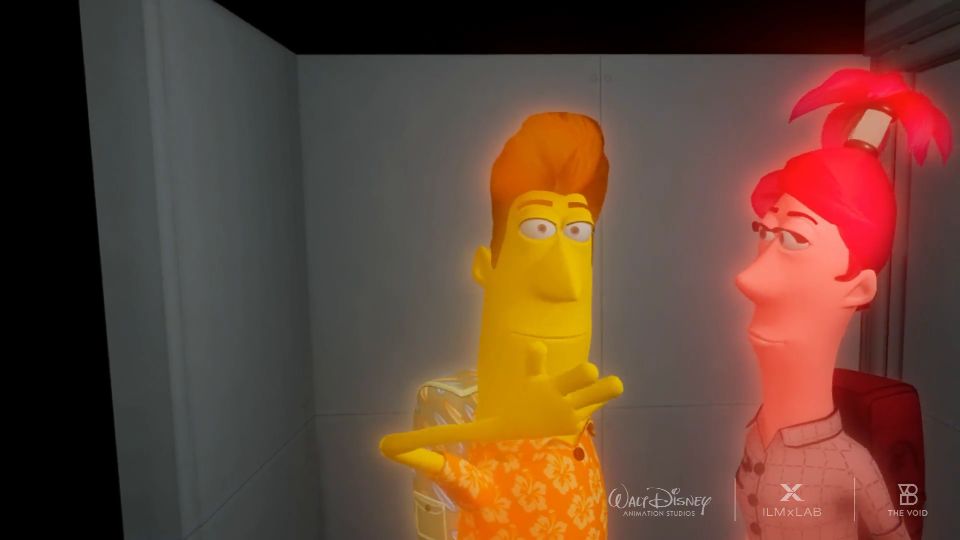
“Ralph Wrecks VR” at The VOID

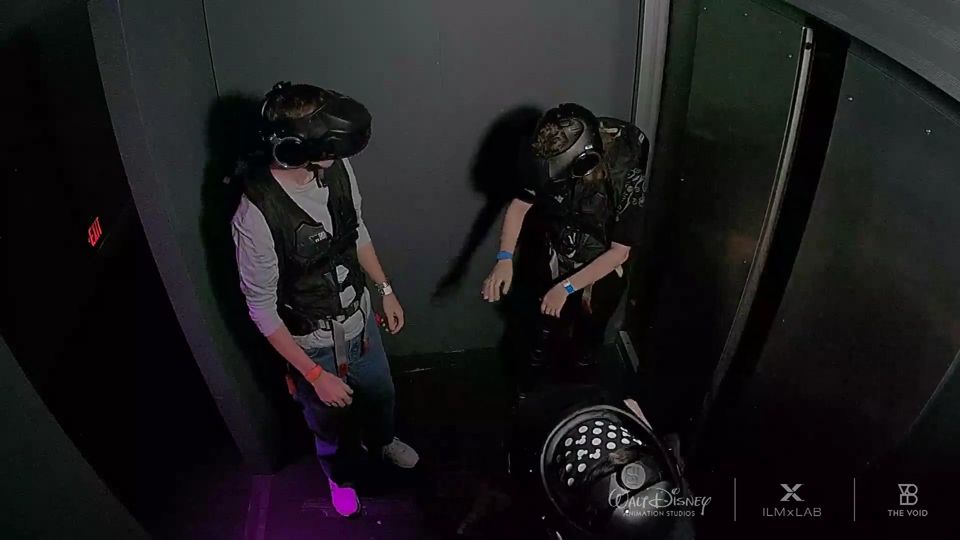
Yesterday we spent the day over at Disney and after finishing up early at Animal Kingdom we headed over to Disney Springs for lunch. After eating at Terralina we went over to The VOID and played “Ralph Wrecks VR” … WOW!

The VOID bills itself as a “hyper-reality … whole-body, fully immersive VR experience” and it delivers. You put on a VR helmet and equipment vest and then get to walk around the virtual world by actually walking. You’re not tethered to anything, you’re completely detached and free. If DisneyQuest was still around, this would fit right in.

Unlike my first (disembodied) experience with the Oculus Rift, you can look down and see your body, your arms, even wiggle your fingers. Check your wrist and you can see the scoreboard flip up. You can talk to your team members and see their mouths move as they talk back to you. You can reach out and touch the wall, grab a railing, press buttons on a control panel, and it all syncs with the VR world in the helmet without lag. It’s just incredible! We chose “Ralph” over “Star Wars” because this was wife’s first immersive VR experience (and she’s not really into Star Wars). It was a great family experience and there was no dizziness, no motion sickness, it was seamless. The vest even had some force feedback mechanisms so you could feel things hitting you, or get shocked. The best part? Pancake/milkshake gun … oh yeah, come get some! My daughter and I will definitely go back to try the Star Wars experience.

My only complaint is the wait time. We had 1:30pm “reservations” but had to wait in three separate staging areas for about 20 minutes each, so by the time we actually got to play it was after 2:30pm. The experience itself was about 20 minutes and they only have a certain number of “arenas” so I guess I should have expected that (plus, they were only running “Ralph” in one arena, so the “Star Wars” line was moving faster.

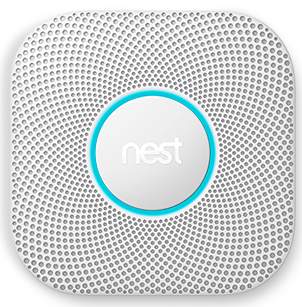
Nest Protect smoke/CO2 detector

Nest ProtectWhen I installed the ADT Pulse system in 2011, it came with monitored smoke/heat and CO2 detectors. Since then I’ve been paying the monthly monitoring fee to ADT and have had to deal with inexplicable false alarms (usually in the middle of the night and ADT’s answer was always “just change the battery”). This was in addition to two (non-ADT) wired smoke/CO2 detectors elsewhere in the house. I’ve had Nest (formerly Dropcam) cameras in my home network setup since 2014 and the Nest thermostat since 2016 so I’m not sure why I waited so long to get the Nest Protect.

Read more

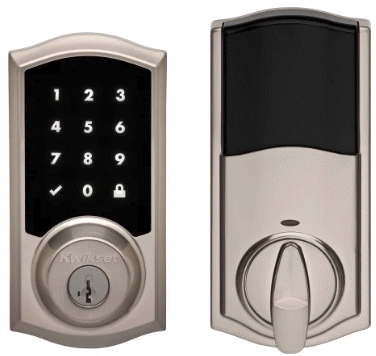
Kwikset SmartCode 916 Touchscreen Electronic Deadbolt

We’re finishing up hurricane-proofing this summer by finally replacing all the exterior entries with impact-rated doors. We had our impact windows installed back in 2008, and replaced the overhead garage door in 2015, but last year’s close call with Hurricane Irma reminded us we still needed to replace the doors. Since we’re getting new doors, we also need to get new door hardware!

There’s a wide variety of electronic and automation-enabled deadbolts and locks on the market now-a-days: I decided to expand my Z-Wave/ADT Pulse automation network by installing the Kwikset 916 Touchscreen Electronic Deadbolt.

Read more

Ubiquiti Unifi Switch 8 POE-150W

Unifi Switch 8About two weeks ago I started experiencing some strange network issues: Nagios kept reporting devices dropping off the network and reconnecting, the TiVo Minis would lose their connection to the Bolt, etc. I eventually traced it to one of my TRENDnet TPE-TG44g switches (specifically the one in the closet that most of the home network traffic travels through on its way to the router) constantly rebooting. It was out of warranty so I had to buy a new switch to replace it. Since I already two Unifi wireless access points on the network (and I run the Unifi Controller software to manage them), I decided to spend a little extra and get the Ubiquiti Unifi Switch 8 POE-150W.

Read more

A New Orleans Tricentennial Celebration with Harry Connick, Jr.

My wife and I last saw Harry Connick, Jr. when he came through Clearwater on his “Your Songs” tour back in 2010. Back in March he announced a short tour in June to celebrate the New Orleans Tricentennial. Clearwater was lucky to have two dates on the tour so I of course got us tickets to the second show at Ruth Eckerd Hall.

Like last time, we couldn’t remember if this was now the fifth or sixth time we’ve seen Harry in concert. I think this was #5 as I’m pretty sure we’ve seen him three times now here in Florida and twice when we still lived in Cleveland. No matter, every show has been amazing and this one was no exception. For just under two hours (with no intermission) Harry and the band entertained the audience with New Orleans-style jazz (including a jazz funeral with “When the Saints Go Marching In”) and other musical styles he’s played over his career (big band, gospel, funk, etc.). Familiar tunes included “We Are,” “Here Comes the Big Parade,” “Come By Me,” “What a Wonderful World,” “Yes We Can Can,” and a medley of songs from “When Harry Met Sally” including, of course, “It Had to be You” (a personal favorite). Like before he showed off his talents by not only singing and playing the piano, but playing the trumpet, tap dancing (!), and even playing the drums and two pianos during the encore number (“Big Chief”). Just incredible.

The entertainment wasn’t just the music, however. Harry is great with the crowd and the show is a nice mix of musical numbers and him talking (which gives the musicians a break). He spoke to a 9-year old kid in the front row and even brought him up on stage to play piano!

So it was another great show. I did find it funny that, despite the hall’s policy against photos and video recording, a lot of people were using their phones to take pictures and recording. Even funnier, they were all older folks. I joked to my wife “I wish these old people would put away their phones and enjoy the show!” 😀
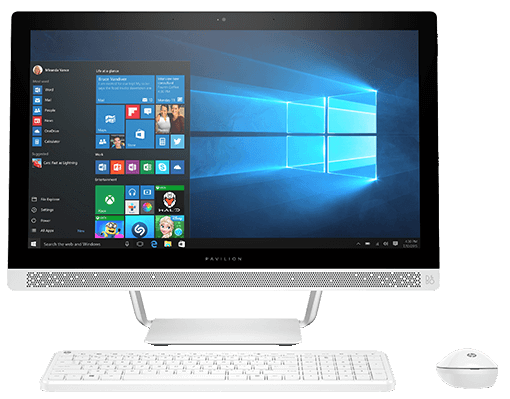
hp Pavilion 24-r014 All-in-One PC

hp Pavilion 24-r014

For the past few months our family PC (the Dell XPS 18 all-in-one) had been giving my daughter fits. It was time for a change.

I looked at the latest Dell all-in-ones but wasn’t able to find one that acted like a tablet like the XPS 18. It was pretty convenient for my daughter to be able to unplug the PC in the family room and take it back to her room without the need to shut down or move a bulky AC adapter. But apparently most all-in-ones now-a-days don’t have batteries anymore. Considering the reason I was replacing the XPS 18 was because of battery issues, I decided that wasn’t a big deal. After my usual research, I decided on the hp Pavilion 24-r014.

Read more

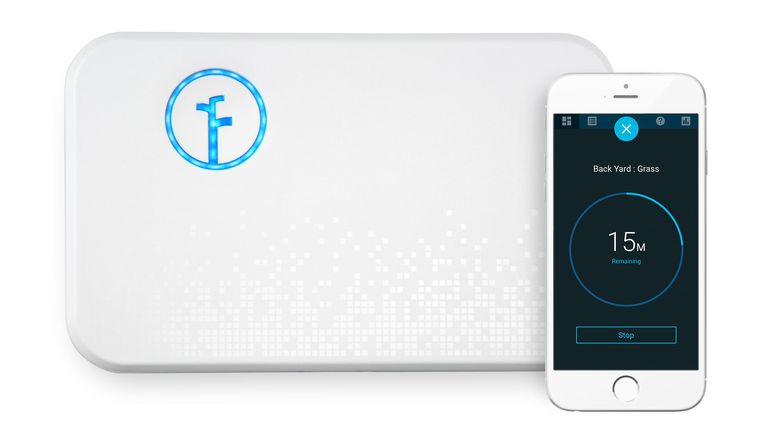
Rachio sprinkler controller

Rachio Gen2 Earlier this month while visiting my in-laws I helped my father-in-law connect his Rainbird ESP-Me sprinkler controller to his wireless network and then showed him how to use the mobile app on his Android phone.

After doing this I realized: I’m the techie/networking/home automation/IoT guy in the family … why haven’t I installed an internet-enabled sprinkler controller yet? After doing the requisite internet research and checking compatibility, I decided to try the Rachio Smart Sprinkler Controller Generation 2.

Read more

Hydra: TiVo’s next-generation user interface

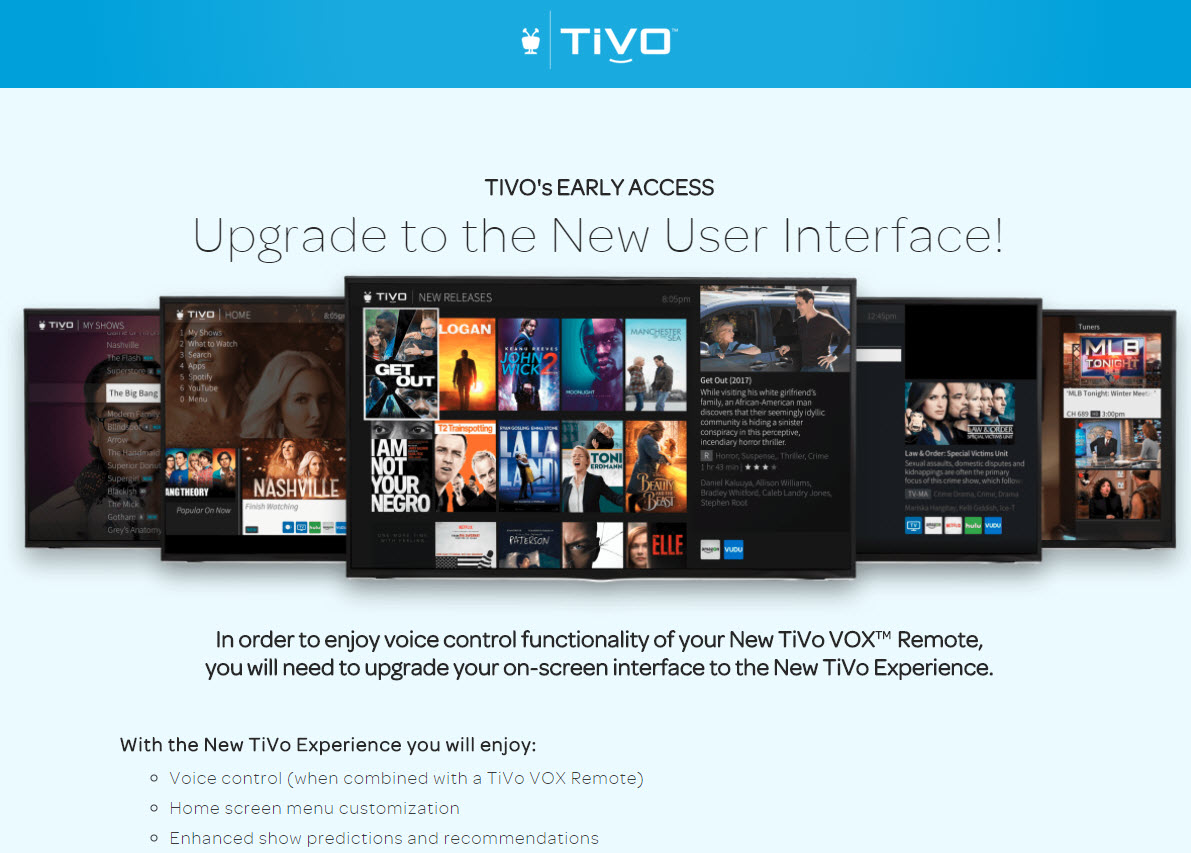
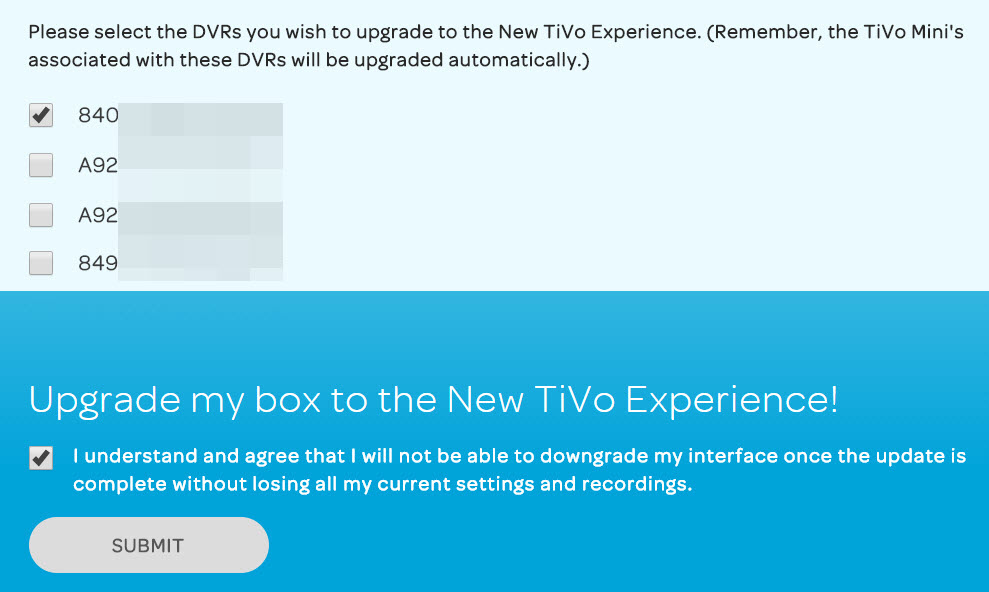
Last weekend, TiVo officially released their next-generation user interface, code-named Hydra so I used the Early Access Request link posted by TiVo_Ted on the TiVo Community Forums to upgrade my Roamio Pro so I could check it out:

Hydra early access page

Hydra early access DVR selection

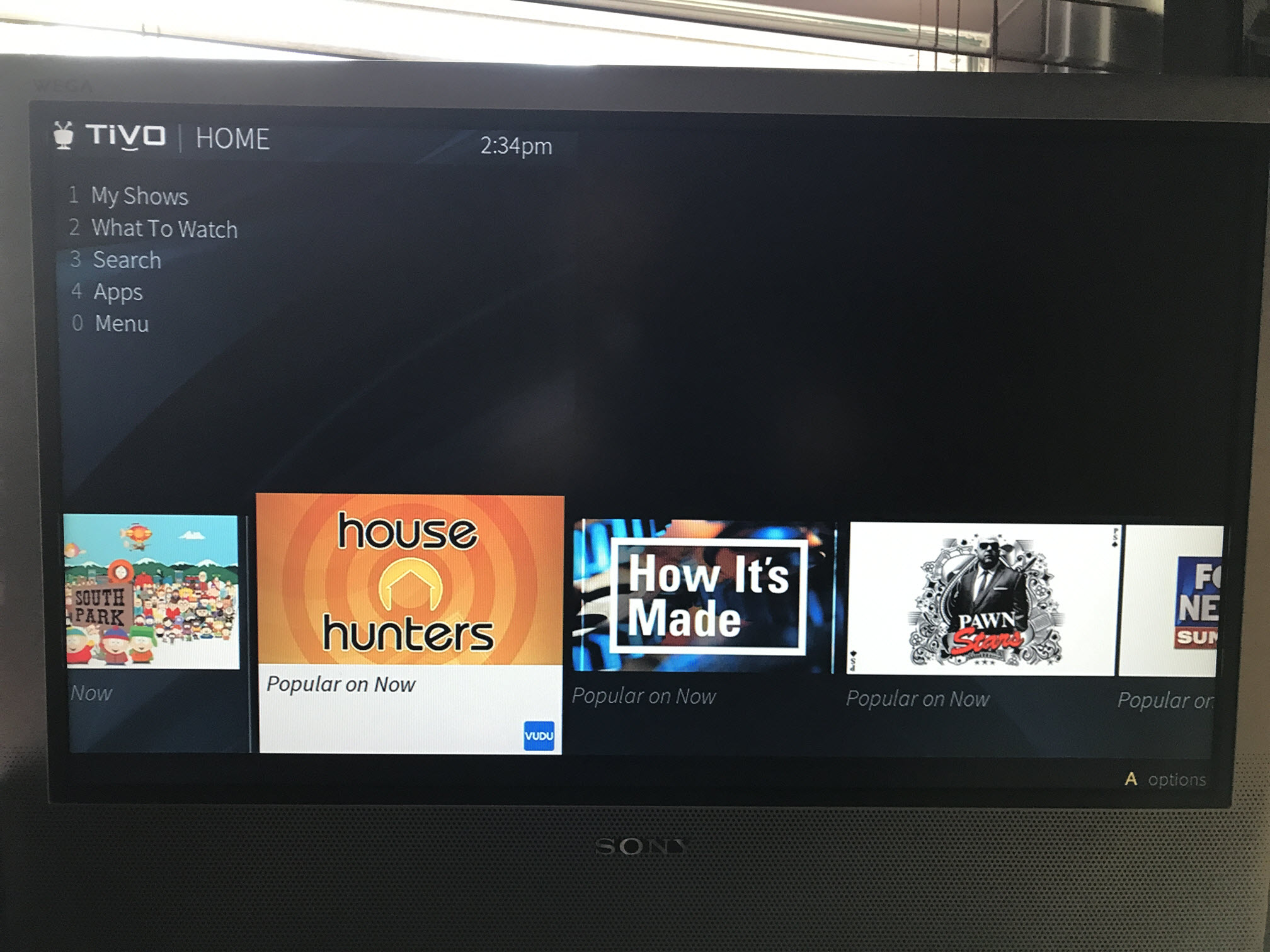
A few hours later, my box had upgraded to 21.7.2.RC7 and the next-generation UI:

Hydra UI

The new navigation structure and screen layouts are going to take some time to get used to. I have a lot of TiVo-related muscle memory that no longer works (like using Left to go back a screen, or pressing “1” on TiVo Central to jump to OnePasses, etc.). Think carefully before upgrading your own box(es) to Hydra … if you want to go back to the “classic” UI it will involve a complete reset of your box, which means you’ll lose all recordings, settings, etc. Ouch.

Mainly the reason I upgraded one of my boxes was so that I could start updating my Alexa skill for the new UI navigation. I’ll post more opinions once I have more time to play around with Hydra.