I’ve been a RoadRunner/Brighthouse/Spectrum cable internet customer since I moved to Florida back in 2001. In 2004, I commented about Verizon FIOS possibly coming into my area but in 2013 I was still waiting. Thirteen years later, Frontier finally laid fiber in my neighborhood late last year and started offering internet service starting at $30/mo for 500Mbps. My Spectrum service was costing me $115/mo for 600Mbps so it was a no-brainer to upgrade to 1 gig fiber service at $50/mo.
Before placing my order I called to ask a few questions (like “can I use my own router instead of their Eero one?” (yes) and “where would the ONT be located?” (usually outside, possibly in the garage), etc.) and the customer service representative was very friendly and knowledgeable. After that, placing the order was quick and easy (although I did have to temporarily thaw the freeze on my credit report at Equifax so they could complete a credit check).
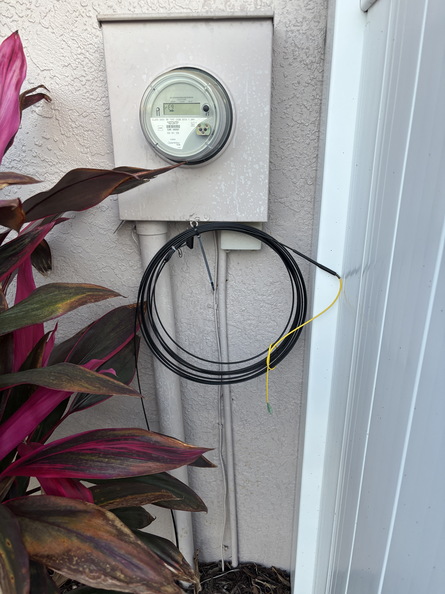
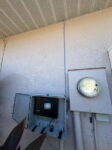
A few days later, a contractor came out to mark the buried utilities and then a second contractor showed up to run the fiber from the street up to my house near my power meter.
-
- fiber trenched from the street
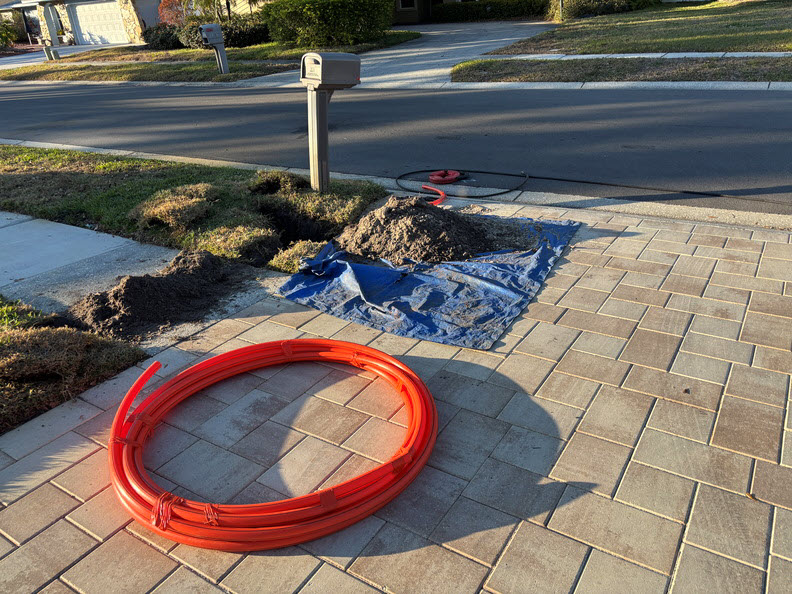
-
- fiber run to the power meter
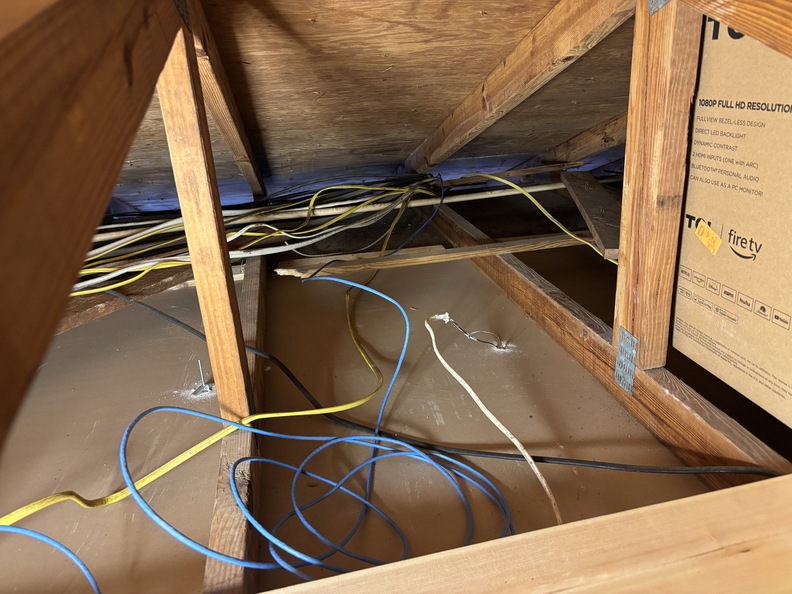
I work from home and didn’t want to risk an internet outage during working hours so I scheduled my actual install for a Saturday morning figuring this would give the technician and me plenty of time to get everything situated. Rather than waiting day-of to see if the installer would actually run an ethernet cable from the ONT through the attic to my computer closet, I did it myself ahead of time leaving plenty of slack CAT5 in the attic above the garage for the final pull.
On Saturday, Gabriel, my Frontier technician, showed up just after 9am. I showed him where the fiber cable was on the side of the house but then he was looking for the cable connection (which was on the opposite side of the house). It turns out they typically use MoCA and piggyback on the existing coax. I explained to him I wanted to use a direct ethernet connection to my router (no Eero setup) and had already pulled the cable through the attic. Once I showed him the location of everything, he gave me the thumbs up and got right to work.
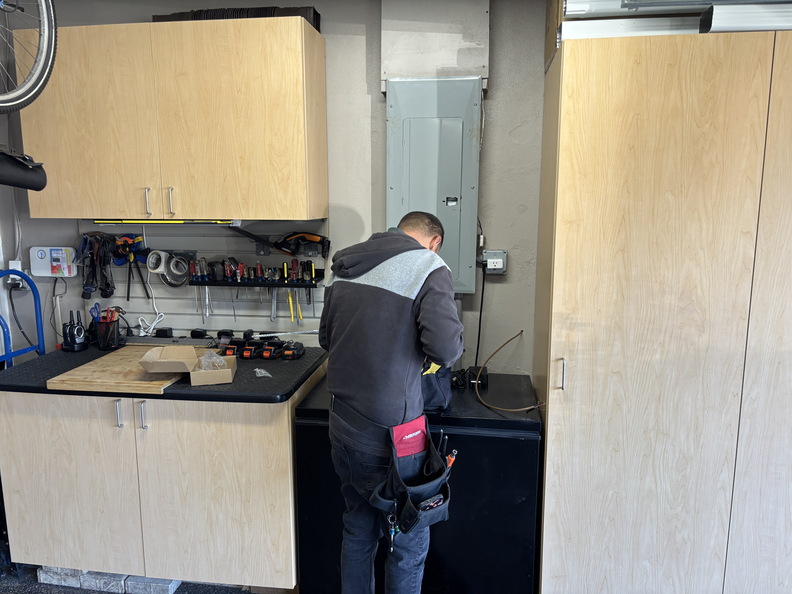
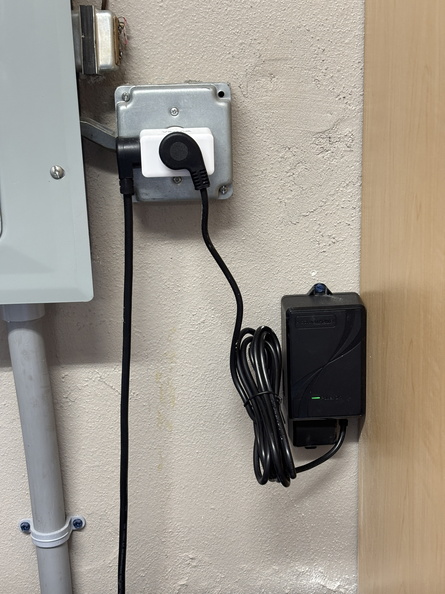
First he drilled a hole through the wall of my garage and ran the power wiring for the ONT to a nearby outlet. Then he mounted the plastic cabinet for the ONT on the outside wall of the garage and connected the fiber, power, and ground wires. Finally, he went up into the attic over the garage and fished my pre-run ethernet cable through the soffit and down the outside wall of the house to the ONT cabinet. With everything connected and powered up, he explained he needed to go “enable” the connection at the main switch a few blocks away and disappeared for about an hour. While he was gone I tidied up the attic wiring, took some initial documentation photos, and added the connector the other end of the ethernet cable in my computer closet.
-
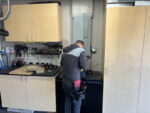
- running power wire through the garage wall
-
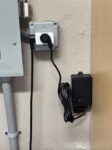
- power brick for ONT
-
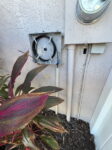
- ONT cabinet with fiber
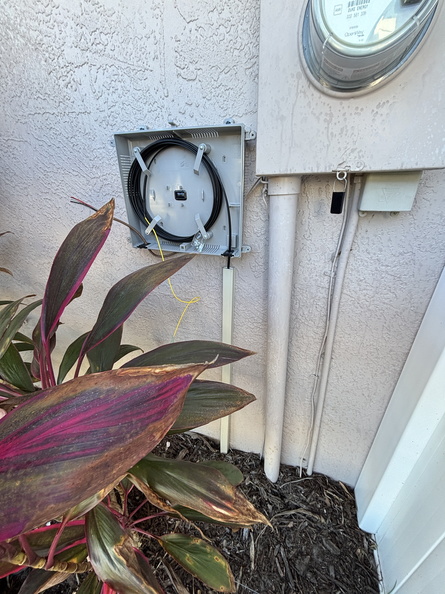
-
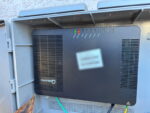
- ONT powered up
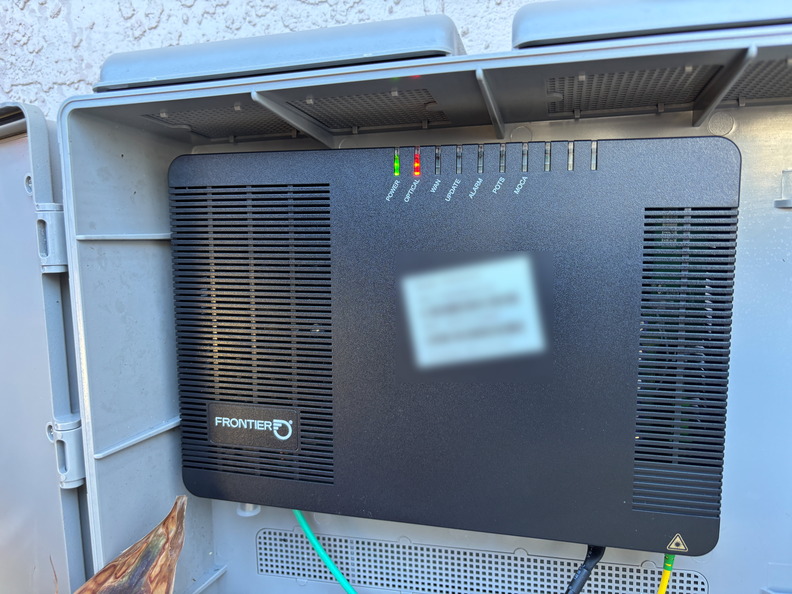
-
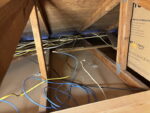
- ethernet cable through attic out to soffit
Gabriel finally returned, apologizing for the delay and explaining that he had to visit two different switch locations but finally had my fiber run “lit up.” At this point he gave me the go-ahead to connect my router so I went inside, disconnected the cable from my Spectrum cable modem to the WAN port of my ER-X and replaced it with the new ethernet cable from the ONT. A quick power cycle of the router and …
I had a new IP address! And my first speed test:
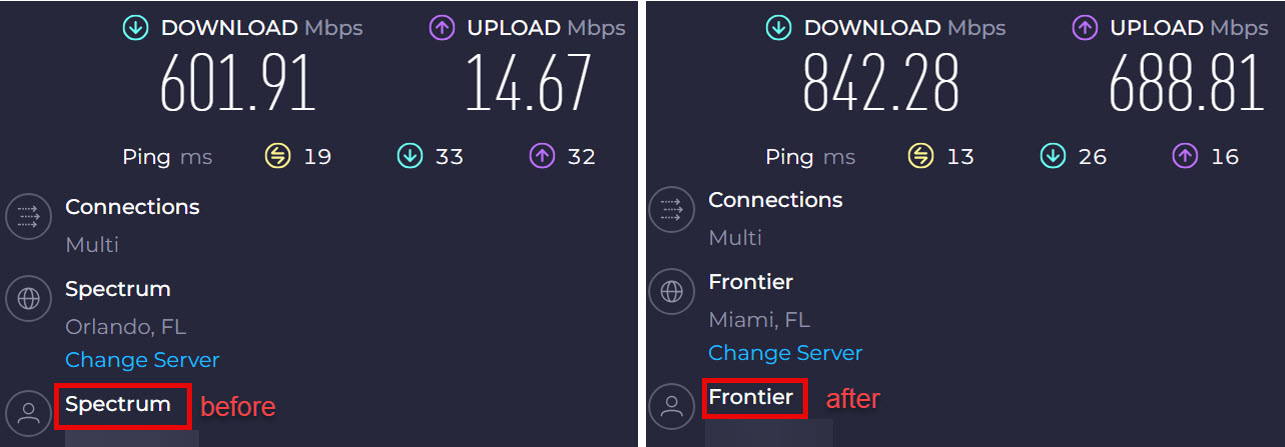
Spectrum cable vs. Frontier fiber
Nice! I did some other quick checks to make sure my dynamic DNS settings had updated my Cloudflare domains and ran a few other speed tests (I can’t believe I actually got the ethernet cable terminated properly on the first try 🙂 ). Outside, I told Gabriel everything looked good and he finished up … he never even had to come into the house (except for the garage attic). Start to finish the install took almost exactly two hours (and I probably saved a lot of time by pulling that ethernet cable run beforehand!).
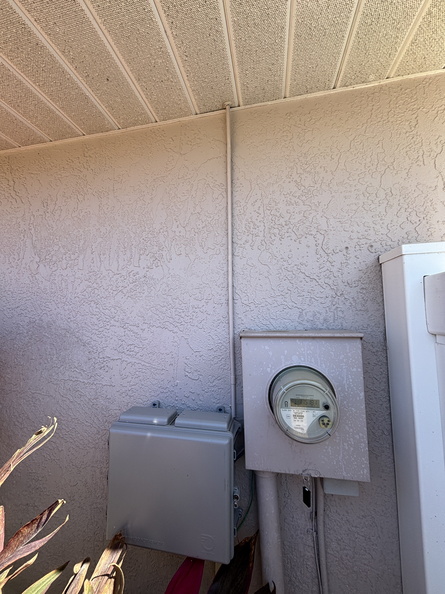
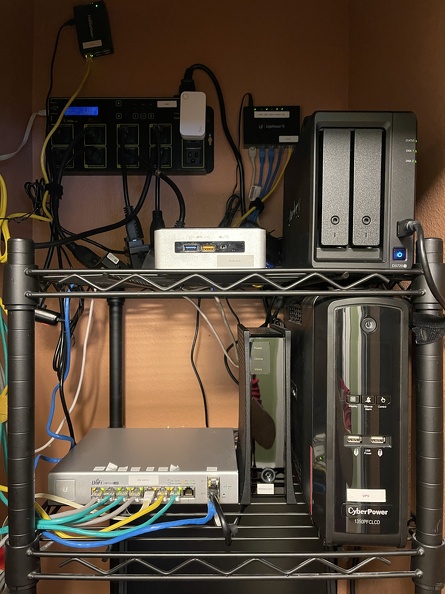
With Gabriel gone, I finished cleaning up my computer closet wiring and updating my documentation (network diagram, labelling components, etc.). Out in the garage, I added a small UPS and connected the ONT power brick to it for battery backup. Finally, I added some conduit around the ethernet cable on the outside of the house and painted it:
-
- before
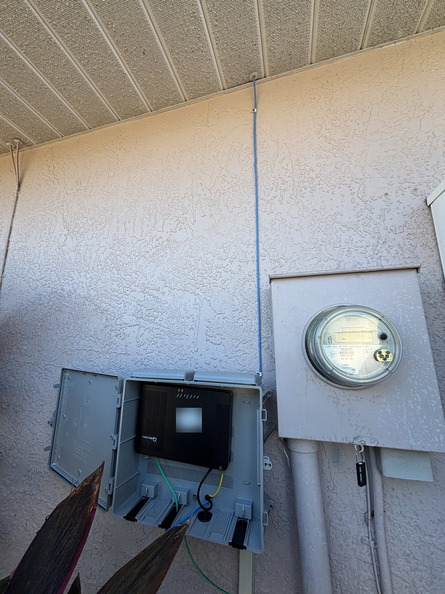
-
- after
Later in the afternoon, I had the “pleasure” of calling Spectrum to cancel my service. As expected, I got the hard retention sell despite the fact I explained I already had new service (“we can offer you fiber service …” In my neighborhood? I doubt that. “we can offer you a discounted rate” No thanks, I’m already saving $65/month I doubt you can beat that). I also cancelled my home phone service since we didn’t really need/use the landline anymore, saving an additional $30/month. With my service finally cancelled, I returned my cable modem to the local store and am now officially done with Spectrum.
Funny side note: In the 22 years I’ve been waiting for fiber service in my neighborhood, Verizon sold its FIOS service to Frontier in 2015, and now just last month Verizon closed its deal to buy Frontier, getting FIOS back (although it’s not called that anymore) so technically I’m now a Verizon customer (they are already hitting me up to switch to their mobile service). I still have to deal with YouTubeTV for TV but maybe now I can afford some other streaming subscriptions with the money I’m saving.
Interested in switching to Frontier fiber? Use my referral link and we can both get $250 gift cards.