I thought I tended to upgrade my home PC roughly every 5 years but looking back I got my Dell mini-tower in 2008, then built my current desktop, the Intel NUC in 2015, a gap of 7 years. And now in 2022, another 7 years later my new desktop is … a laptop.
I don’t know why it took me so long to decide to make my daily driver a laptop. I got the NUC primarily because I had just gotten a standing desk and wanted something small to sit on top. And when I was away from home, I usually had my work laptop/Surface with me. But as I was considering my next “desktop” PC I realized a big laptop as a desktop replacement made sense. I’m not a gamer so I don’t need an extreme graphics card (which are hard to come by now anyway), I have a good multi-monitor setup since I work from home so I wouldn’t need to stare at a laptop screen all the time, and a docking station could easily make up for the extra ports I use.
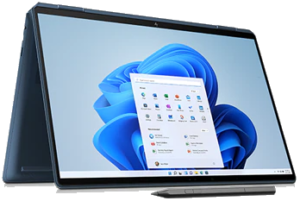
After performing my usual research, I decided to go with the hp Spectre x360 16 2-in-1 convertible laptop.
2021 Home Security/Home Automation Re-Design [ Part 2 of 3 ]
As I posted a few weeks ago, back in January I decided to cancel my ADT Pulse service and replace it with a Ring Alarm security system. It wasn’t a 100% feature-complete replacement though, I still needed something to handle the home automation side of things. While Ring does have some basic integrations with its lights and cameras, I decided that splitting the security and automation systems apart was the smarter and more flexible approach.
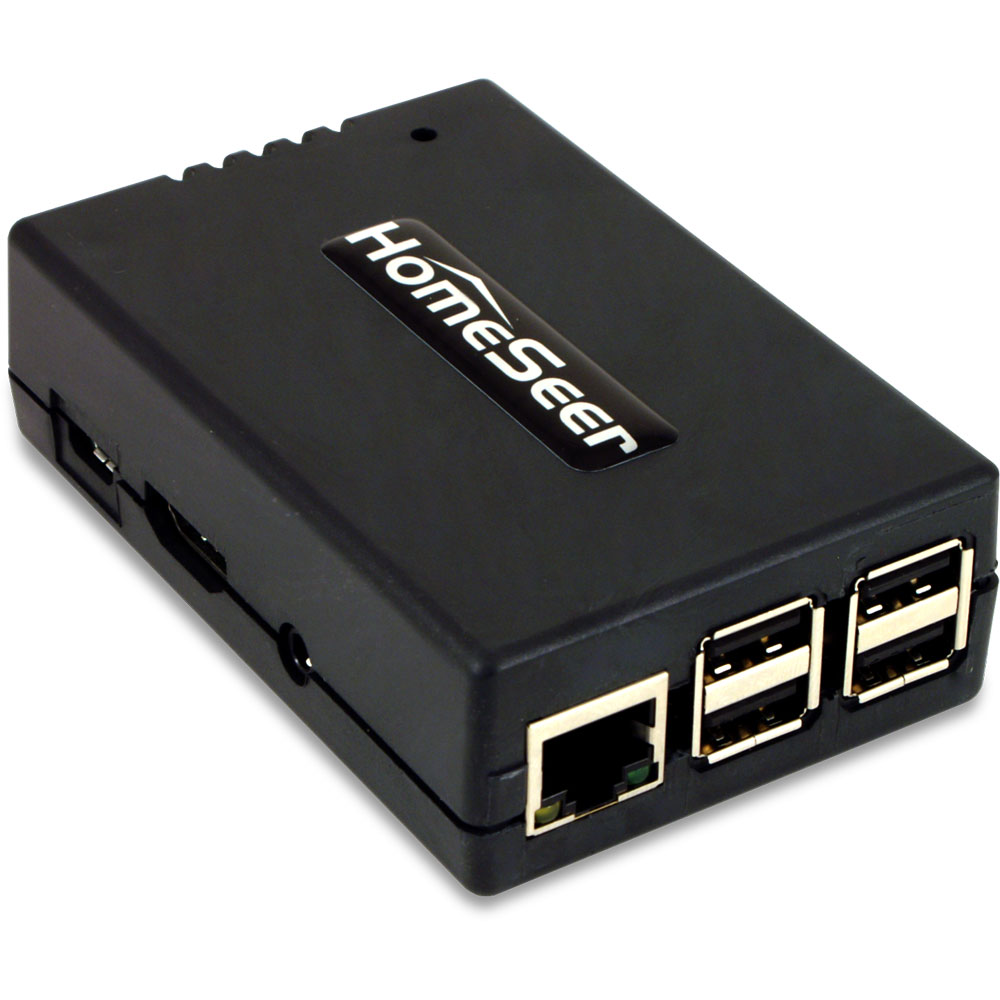
After researching (via online reviews and the community forums) solutions like SmartThings, Hubitat, HomeSeer, Alexa (which turned out to be Zigbee-only), and even briefly considering revisiting Home Assistant, I went ahead and pulled the trigger on a HomeSeer HomeTroller Pi hub. I waffled a lot between the Hubitat and HomeSeer, but decided to start with HomeSeer since it seemed to have more broad compatibility with my existing devices (specifically my garage door opener, door locks and light switches).
2021 Home Security/Home Automation Re-Design [ Part 1 of 3 ]
I’ve been an ADT customer for almost 20 years. When we moved to Florida in 2001, our house already had a hard-wired alarm system put in by the previous owners so subscribing to ADT’s monitoring service was one of the first “utilities” we set up (along with the normal electric, water/sewer, and TV/internet). Over the past two decades we’d added more sensors/zones, switched from the old copper landline to cellular connection, and of course the big upgrade to Pulse back in 2011 that started my interest in home automation.
Unfortunately, the past few years have seen constant rate increases for ADT’s already expensive monitoring service, with little updates or new services being added to Pulse to justify the expense (rumor has it they are also pushing customers away from Pulse to Control). Additionally, we’d been experiencing an increase in false alarms being triggered by window sensors (ADT support: maybe the wind shook your window? Me: I live in Florida and have hurricane rated impact windows, the wind is not shaking my windows), always seemingly in the middle of the night and even with fresh batteries in the sensors. Finally, earlier this year ADT experienced a two-week outage of their Alexa skill, during which I made several calls to support speaking with clueless representatives who wanted to send a technician to my house! This was the last straw. I decided I was done wasting my time (and money) with ADT and it was time to look at new options.
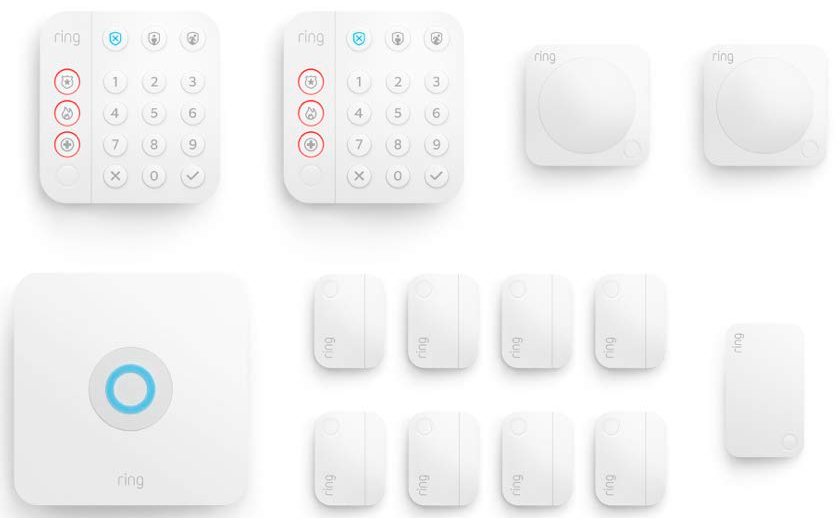
As you can tell by the title of this post, I chose the Ring Alarm security system.
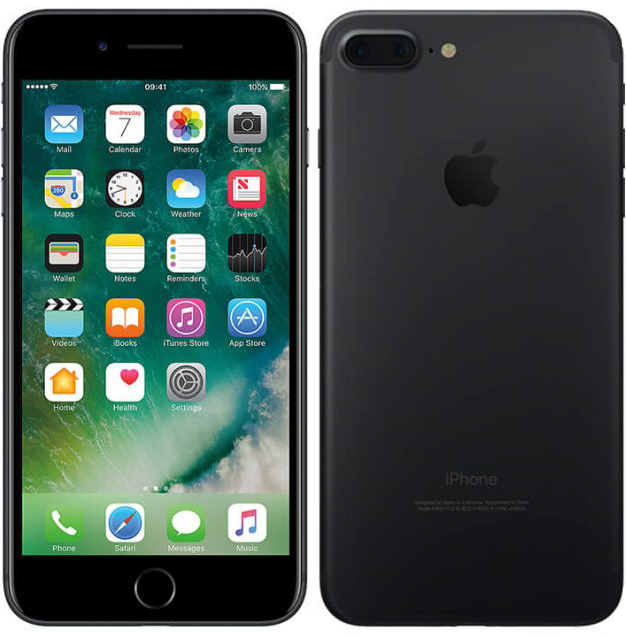
It’d been almost four years since I got a new phone, still rockin’ my trusty Apple iPhone 7 Plus. But recently I’d been having charging issues due to a loose Lightning connector port, and with Apple’s advances in processor and camera technology for the latest generation of iPhones, I decided it was finally time to upgrade.
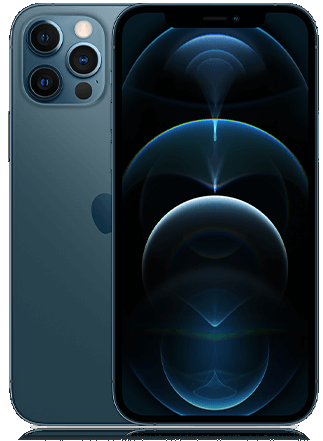
After researching and comparing the four new iPhone 12 models, I had a few decisions to make. First: size. The 12 and 12 Pro are just slightly smaller than my 7 Plus, so that eliminated the Mini. Next, the camera. I’ve always preferred my point-and-shoot cameras to my phone’s camera, especially when it comes to low light and zoom situations. If I was ready to pay a little more for a better phone camera (going with “the best camera is the one you have with you” mantra) than that meant the 12 Pro. Once I had decided that, though, it was an easy jump to just go all the way and get the top-of-the-line 12 Pro Max.
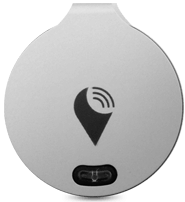
For the past few years I’ve been using my Trackr devices, like the Bravo and Pixel, to keep tabs of my keys, my wife’s keys, and my daughter’s keys and purse. Well, I should say I’ve been attempting to use them to track my keys. Lately it seemed like every time I actually tried to actually use the Trackrs, the battery was dead (and hadn’t alerted me) or had lost its pairing for some reason. And when/if they did work, I couldn’t hear the tiny little speaker.
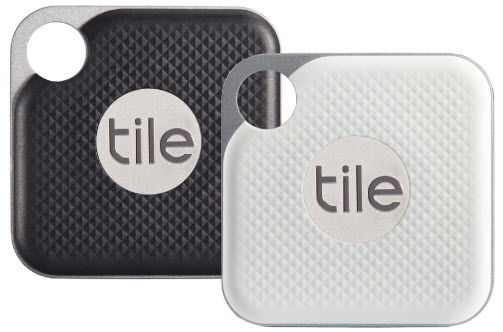
Late last year, Trackr re-branded itself as Adero and is now producing “smart tags” so I decided to try Tile instead.
I had sort of an anti-New Year’s resolution this year: drink more alcohol!
Well, not exactly. What I resolved to do was to learn how to make cocktails at home. Until now, my homemade adult beverages consisted mainly of Seven & Sevens or the occasional Moscow Mule. But sampling a wide range of other cocktails on our cruise last year, plus tasting my brother-in-law’s homemade limoncello over Christmas encouraged me to learn a little mixology myself.
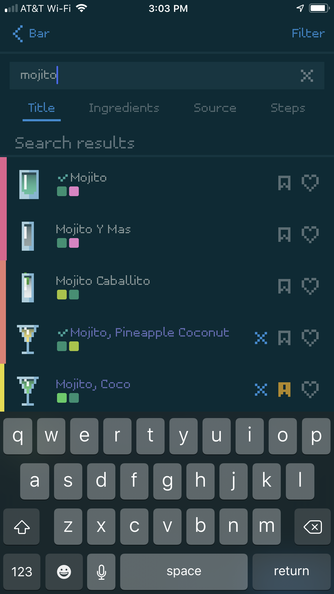
After stocking my home bar with the basics (vodka, gin, tequila, rum, whiskey, etc. etc.) and mixers (simple syrup, lemon/lime juice, etc. etc.), I needed recipes. There’s no shortage of web sites on the internet (like liquor.com) for cocktail recipes, but I also wanted a good mobile app for my iPhone. After trying a few, I found Mixel.
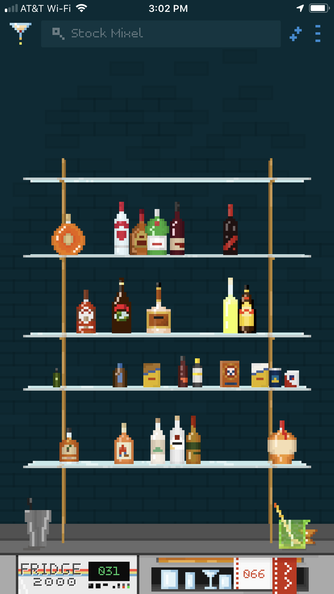
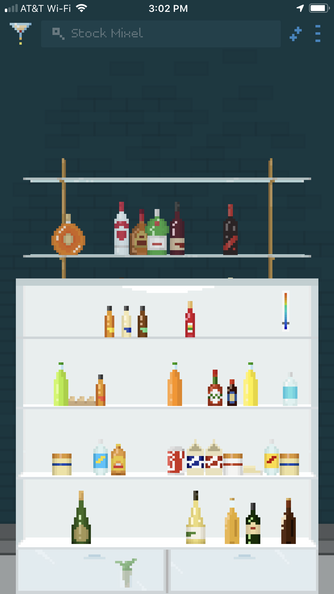
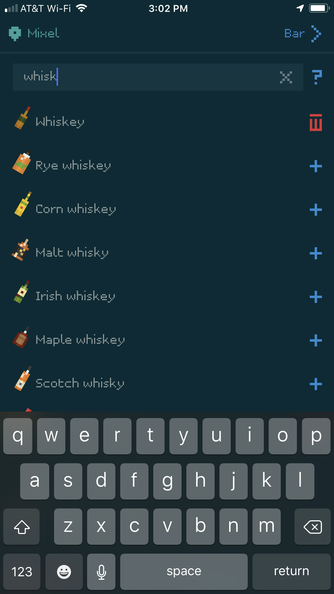
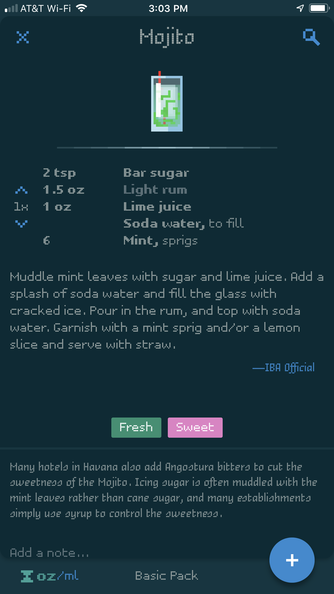
Mixel doesn’t just tell you how to make cocktails. If you stock your bar and fridge with the ingredients you have on-hand, it will tell you what you can make as well. You can search recipes by name (“whiskey sour”) or ingredient (“grenadine”) and filter the results by ingredients you have on hand, different packs, drinks you’ve tried or bookmarked, etc. The app has about 500 built-in ingredients and you can easily add your own. It’s a lot of tapping, but you can add the ingredients, measurements, steps, notes, even customize the icon (glass type, liquid color, garnishes, etc.). You can also add and organize your own recipes into packs and even add multiple bars (I guess if you have one at home and one at the summer house?). If you don’t have an ingredient, you can add it to your shopping list (although that’s a list internal to the app and doesn’t integrate with any grocery shopping apps).
As you might have guessed, it’s called Mixel because of the pixel art graphics which take me back to my King’s Quest days. You can change the color scheme and turn off the pixel font if you want, but I really like the look of the app (I’m using a dark theme, as you can see in the screenshots below).
Mixel is a free, with in-app purchases (for more recipes than the basic 80 included in the free version). After using it for just a day or so I decided to go all-in with the Premium pack.
It’s summer so our schedules are pretty open. This allowed us to take advantage of Universal Studios’ “buy 1 day get a second day free deal” for Florida residents and plan a quick, last-minute trip to Orlando for the weekend.
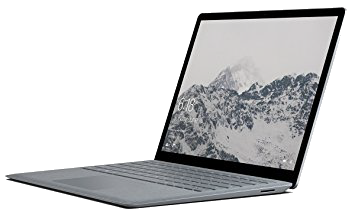
After using three generations of Microsoft’s Surface tablet line (the original Surface Pro, the Surface Pro 3, and the Surface Pro 4) at work, this past week I got a new Surface Laptop.
There’s no shortage of Bluetooth trackers out on the market. These are small devices you can attach to your car keys, wallet, pets, etc. and then pair to an app on your smartphone so you can presumably find them when they’re lost or misplaced. I recently picked up three TrackR Bravos (one for my keys, one for my wife’s keys, and one for my daughter’s wallet) to see how they would work.
The Bravo is one of the smallest of the trackers out there, barely larger than then user-replaceable CR1620 battery that powers it. It’s metal, and comes with a ring for your keyring, and a small adhesive sticker if you’re going to mount it on something instead. A small blue LED also doubles as a button for pairing or finding your phone (more on that later). Set up is fairly straightforward: install the Trackr app on your phone, create an account, and step through the wizard for pairing the Trackr Bravo with your phone over Bluetooth.
Right after Thanksgiving my iPhone 6 Plus started exhibiting the symptoms of touchscreen disease: the screen would just stop responding to taps (unless I turned it off and back on again), would scroll erratically (or not at all), and had a slight yellow tinge around the edges. I toyed with the idea of getting a “new” device from someplace like Gazelle or eBay, but decided to just re-up with AT&T. After figuring out their byzantine terms and condition for the AT&T Next program, I placed my order for a new matte black 128gb iPhone 7 Plus and had it a few days later.