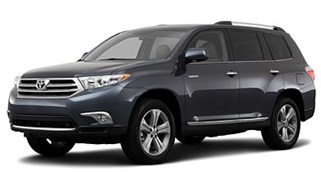
 A few weeks ago I traded in my trusty old 2003 Toyota Highlander (174,000 miles) for a new 2013 SE model. In addition to all the automotive and mechanical advances in a 10-years’ newer SUV, I finally have built-in Bluetooth and iPod integration! (I know, welcome to 2008, right? 😉 ). Toyota’s Display Audio system has a lot of cool features, but as with any “new” technology, it’s not without its share of end-user frustration.
mobile
Farewell Google Reader, hello Feedly
Why does Google keep killing the stuff I actually use? First iGoogle and now last week they announced they will be shutting down Google Reader on July 1st.
I immediately went on a quest to find a decent replacement. After trying out a few alternatives like The Old Reader and NewsBlur, I got a recommendation from a friend to try Feedly. I wasn’t the only one making the switch as the site supposedly gained 500,000 new users in the days after the Google announcement.
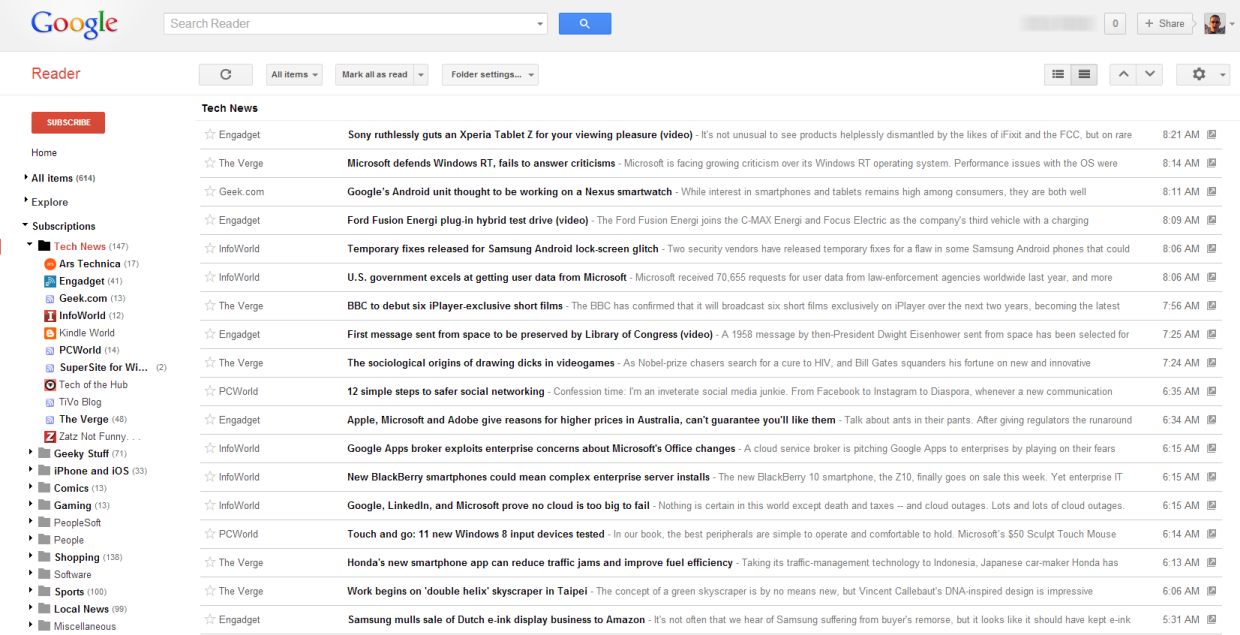
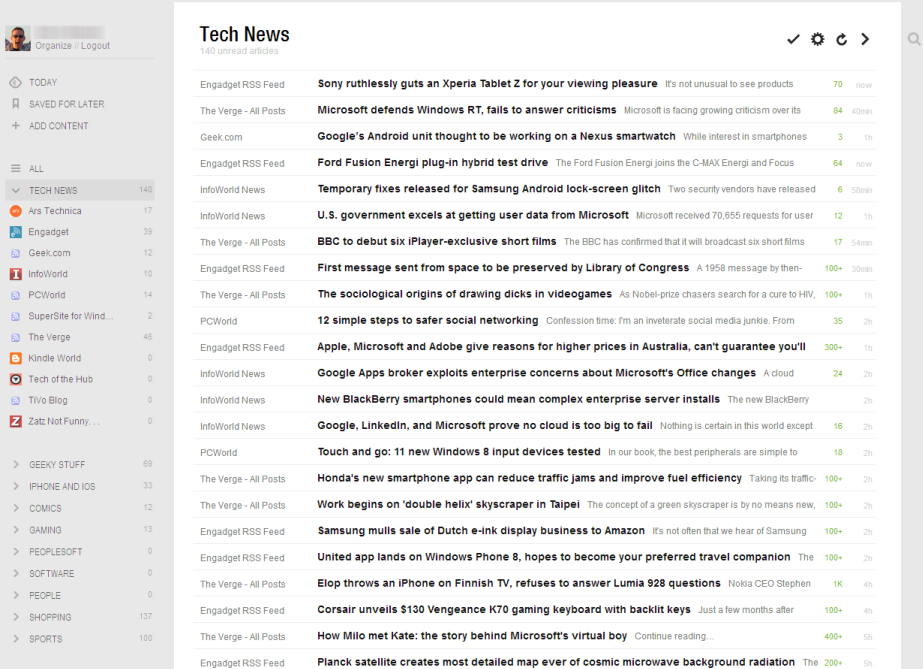
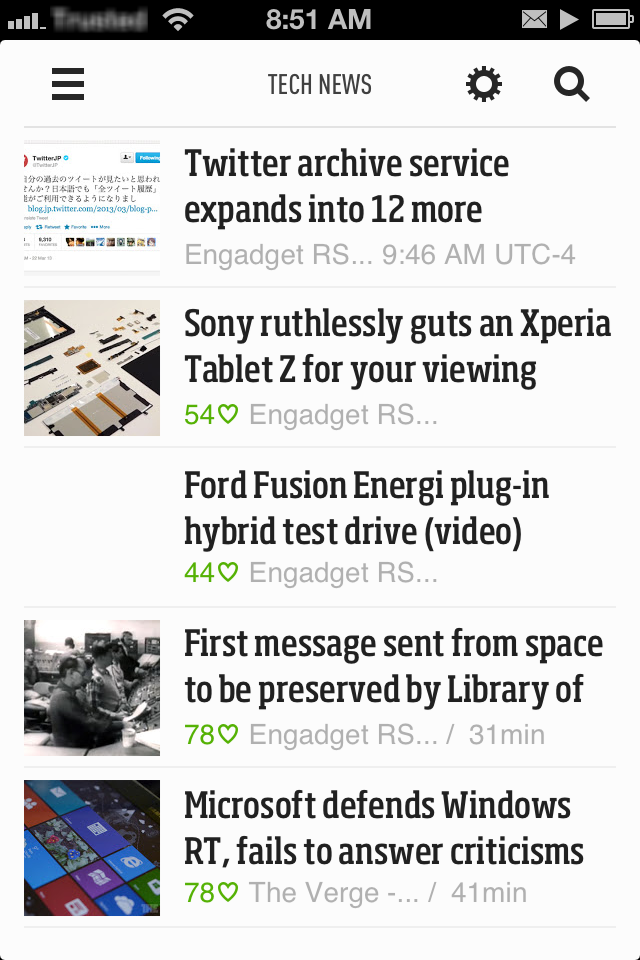
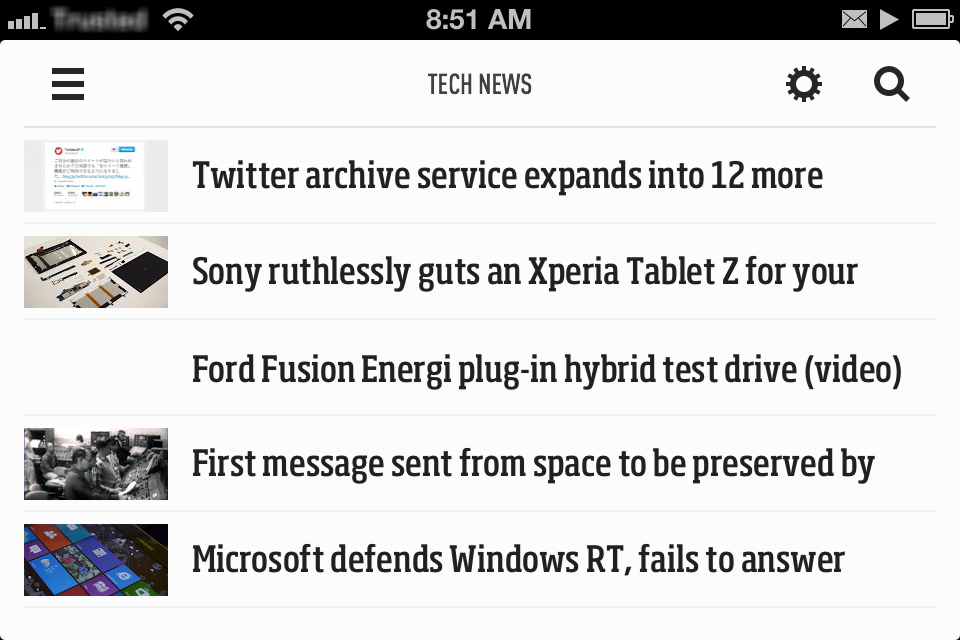
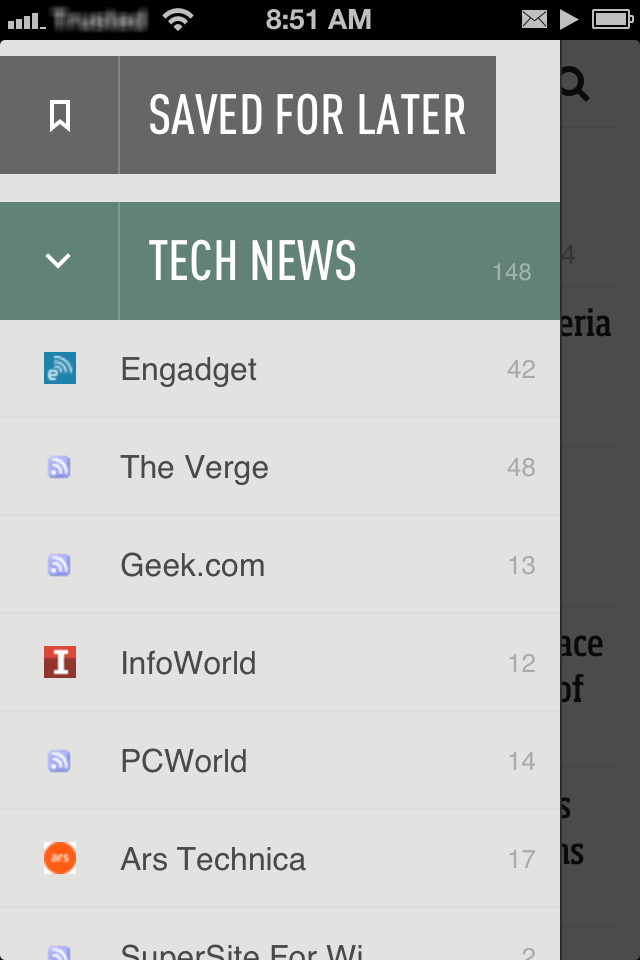
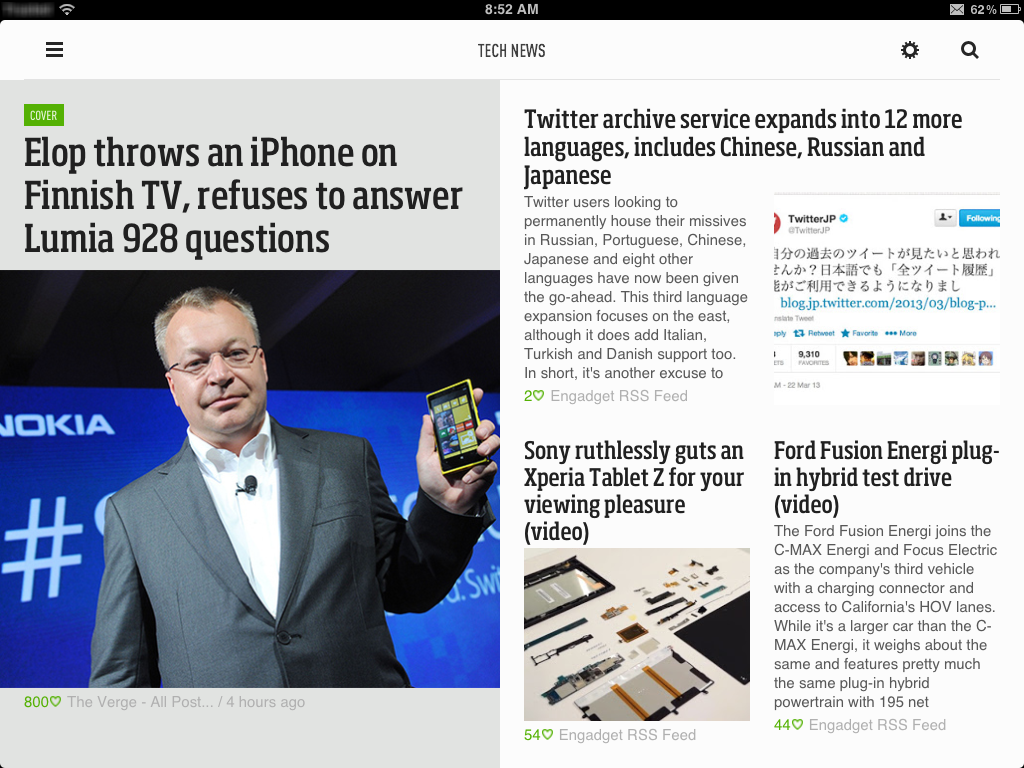
It’s been a week and I have to say I like Feedly the best out of the others I tried. It’ll take a little while longer to completely adjust my Google Reader usage habits to Feedly, but at least the initial setup was pretty easy as Feedly uses Google Reader in the background (they claim to have a backup plan in place (called Normandy) to switch to their own engine once Reader is shut down). Check out the comparison screenshots in the gallery at the end of this post to see my Feedly in action. It even has a free iOS companion app (I don’t normally do a lot of RSS reading on my mobile device, but it’s nice to have just in case).
Microsoft Surface: RT vs Pro
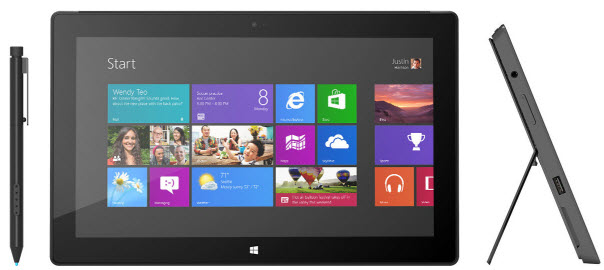 Four months ago I bought my daughter a Microsoft Surface RT tablet for her birthday as a laptop replacement. Last month I got a Surface Pro to use at work (also as a laptop replacement). Having now used both versions of Microsoft’s first tablet I wanted to jot down a few of my own observations about the Pro and how it compares to the RT version.
Jailbreaking my iPhone 4S with evasi0n
Like nearly 4 million other iPhone users, I had been waiting for iOS 6 to be jailbroken for a long time. I’ve had my iPhone 4S for almost a year and have been “stuck” on iOS 5.1.1 since last May because I didn’t want to lose my jailbreak by upgrading to iOS 6. This past Monday, the evad3rs came through and released evasi0n, making it possible to jailbreak Apple’s newest iOS 6.1 release on just about every iDevice available, including the iPhone 5 for the first time.
It was no secret that evasi0n was coming (although initial rumors had it coming out on Super Bowl Sunday) so I was prepared to take the plunge right away: I had a current iTunes backup, used PkgBackup to backup all of my Cydia apps, took screenshots of all my springboard screens and folders, etc. I was ready!
Going “all in” with Google
Two weeks ago I came across this post on The Verge that talked about using CardDAV and CalDAV to sync Google information to iOS devices which, along with the new GMail app promised better synchronization and better battery life and a break from the current ActiveSync/Exchange method I had been using. I’ve been using multiple Google Calendars for personal and family items but my personal contacts were all in my Outlook account at work. I decided it was probably a good idea to clean all of that out and move it elsewhere.
Microsoft Surface RT tablet
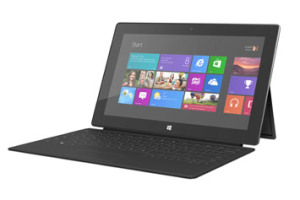
Last month I picked up a 32gb Microsoft Surface RT tablet as a combined birthday/Christmas present for my daughter. In a bit of pre-planning I upgraded her laptop to Windows 8 so she had time to get familiar with the new OS before she finally got the tablet last week. So far, it’s been a hit, despite some of the setbacks of WinRT, but I’ll get into those later.
GoalZero Rock Out portable speaker
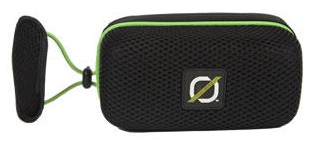 The GoalZero Rock Out portable rechargeable speaker, which I received as a recent birthday present, is the latest addition to my solar-chargeable gadget collection.
The Rock Out unzips around its edges (like a suitcase) to reveal the on/off switch, mini-USB port for charging, audio input jack, and audio output cable. The other half contains a mesh pocket just the right size to hold your smartphone. Fire up your favorite music app, plug in the cable, turn on the speakers, zip up the package, and you’re ready for music on the go. A set of elastic straps along the back make it relatively easy to attach the Rock Out to the handlebars of your bike or just about anywhere. The sound quality is excellent and the speakers are loud, although there are no external volume controls: you have to use the volume on your phone which is a bit of a pain since it involves having to unzip the pouch to access the device (not an easy feat while riding a bike!).
While the Rock Out isn’t a formal part of our hurricane evacuation kit, the fact that it can be charged via the solar panels I already have means it will definitely come with us should that time ever come. For now, though, the Rock Out (plus iHeartRadio on my iPhone) is serving its primary purpose as an entertainment device on our family bike rides.
Using the TiVo iOS app over a VPN
TiVo’s mobile app for iOS is great when you’re sitting on the couch watching TV, but it has limited functionality when you’re out and away from your home WiFi network. The remote control and Info features aren’t available in Away Mode which up until now hasn’t been a big deal (why would you want to change the channel on your TV if you’re not at home?). With the recent release of the TiVo Stream and v2.0 of the app, however, there has been renewed interest in accessing the full functionality of the app while away from home … primarily for streaming Live TV and recorded content when not on your home network.
The obvious technical solution to a problem like this is a VPN connection to your home network. But in the case of TiVo it’s unfortunately not that straightforward. It wasn’t easy, but I got it working (sorta, more on that later). So if you don’t mind tinkering with your router, tweaking network settings, and jailbreaking your iOS device, grab a cup of your favorite beverage, roll up your sleeves, and read on …
GoalZero Guide 10 Plus Adventure Kit
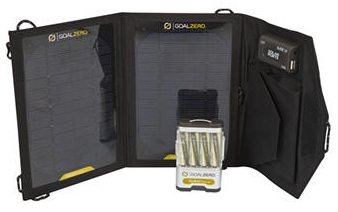 For Father’s Day I received the GoalZero Guide 10 Plus Adventure solar charging kit. I had first heard of this product back in February on an episode of Tekzilla and thought it might be a good addition to our hurricane supplies. I added it to my Amazon Wishlist and then forgot about it until I opened my gift on Sunday.
The kit consists of the Nomad 7 solar panels that provide 7 watts of power, the Guide 10 Plus battery pack powered by four 2300mAh NiMH AA batteries, and various cables.
The beauty of the kit is the wide variety of charging and power options you can get out of these simple components. For example, I could charge my iPhone by connecting it directly to the solar panels via USB or to the battery pack (also over USB). The batteries in the Guide 10 can be charged over USB or the solar panels and removed to be used in anything that takes AA cells like a radio, camera, or flashlight. The battery pack also has a built-in LED flashlight which can come in handy. Finally, the kit includes a 12V cigarette lighter adapter for use with car accessories, but with the limited wattage output of the solar cells you’re not going power anything big like a power inverter (although I did give it a try).
To charge larger devices like a laptop or iPad GoalZero has other solar array options but the one I got is perfect for our hurricane kit to charge our cell phones or smaller devices in an emergency.
Apple iPhone 4S
I got a brand new iOS device this week, but it wasn’t the one everyone else was getting. I couldn’t hold out any longer: after getting my first iPhone 3GS back in 2009, I finally upgraded to the 4S. There was nothing physically wrong with my old iPhone, but after upgrading and jailbreaking iOS 5.01 back in January my old phone continued to get slower and slower and more frustrating to use.